
MVP LED / CORPORATE DISPLAY SOLUTIONS
Conference LED Display
A seamless presentation canvas for boardrooms, meeting rooms and large conference halls.
Plan the display around the room, closest viewing distance, content resolution, camera use and service access. MVP LED configures fixed fine-pitch and event LED systems for permanent and temporary corporate spaces.
- Fine-pitch configurations
- Front-service options
- Project-specific engineering
START WITH THE ROOM
Different Conference Spaces Need Different Display Decisions
A boardroom wall is viewed at short distance. An auditorium stage must remain clear across many rows. The screen size, pitch, mounting and control workflow should follow the actual space.
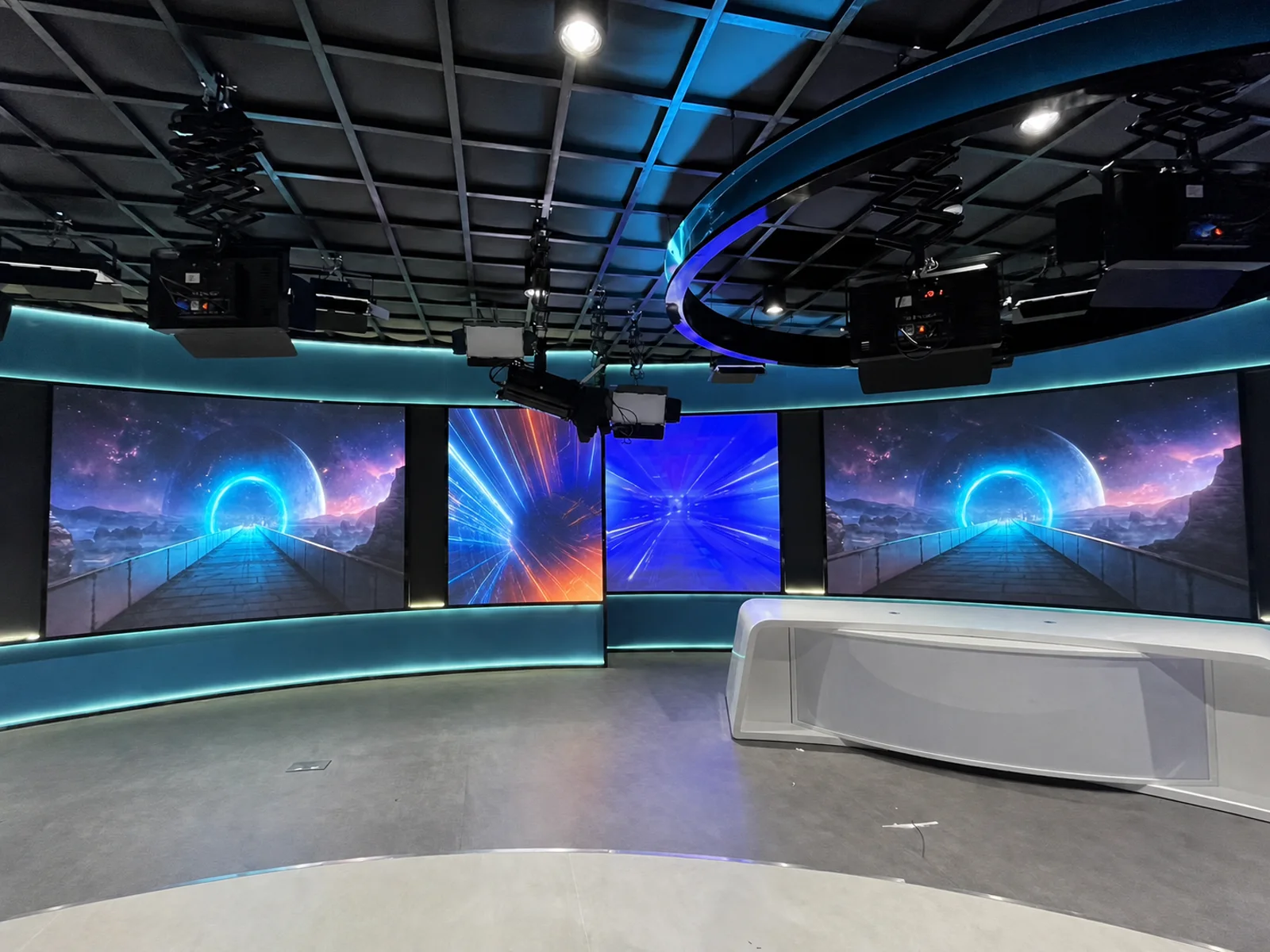
Multiple LED surfaces, room equipment and content control planned as one professional environment.
Executive Boardroom
Fine text, financial data, presentations and video calls viewed from the conference table.
Standard Meeting Room
A practical presentation wall sized around the room depth, seating plan and shared content.
Large Conference Room
A wider canvas for multi-source presentations, hybrid meetings and larger audience layouts.
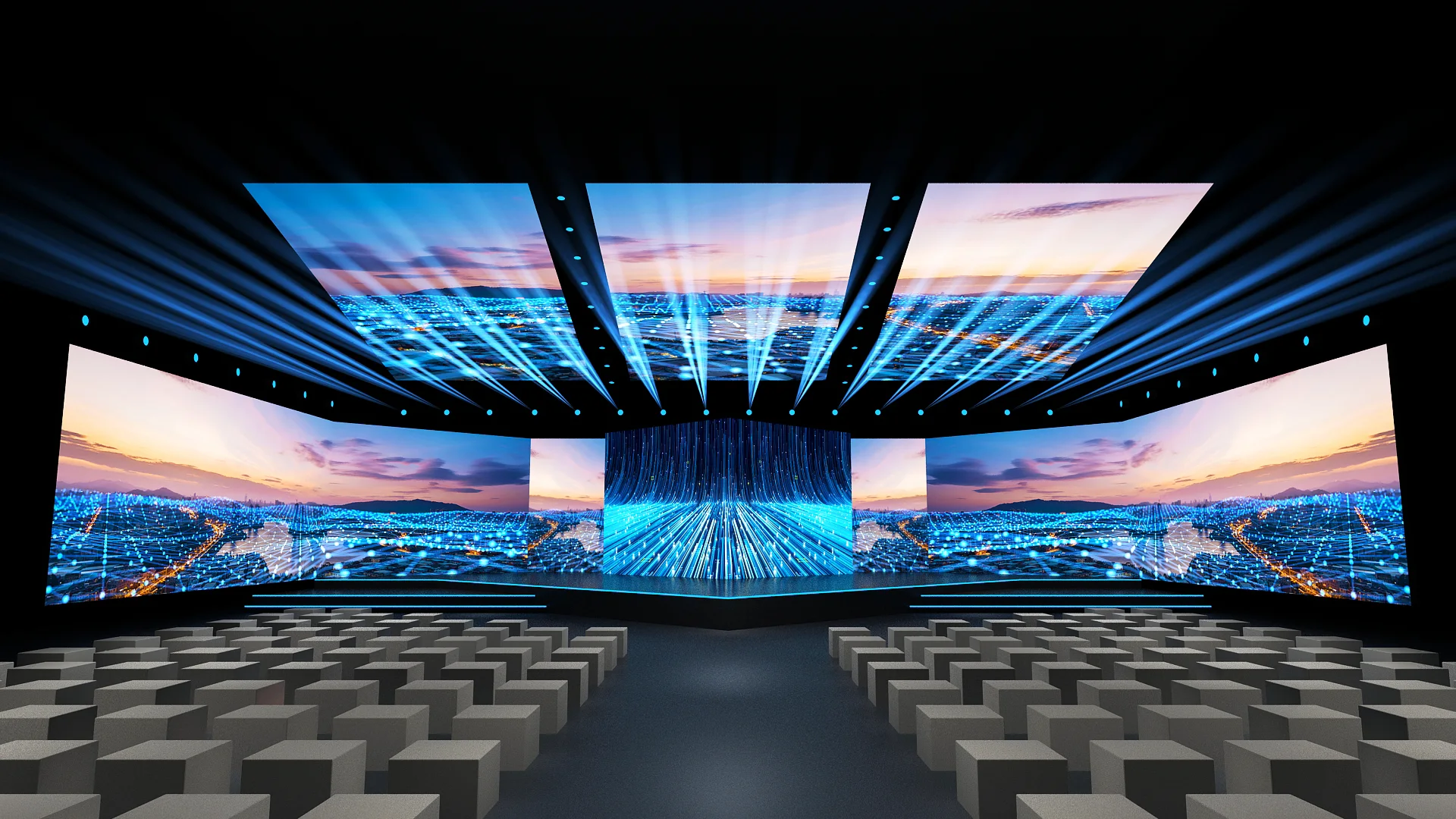
Corporate Auditorium
Stage-scale visuals designed around the farthest seats, room lighting and sightlines.
Training Center
Readable instructional content for repeated sessions, demonstrations and group learning.
Corporate Event Stage
Rental LED systems for launches, annual meetings and temporary conference productions.
DISPLAY OPTIONS
Match the LED System to the Meeting Format
Use the permanent or temporary installation requirement to narrow the product direction, then confirm pixel pitch, cabinet layout, control and maintenance access.
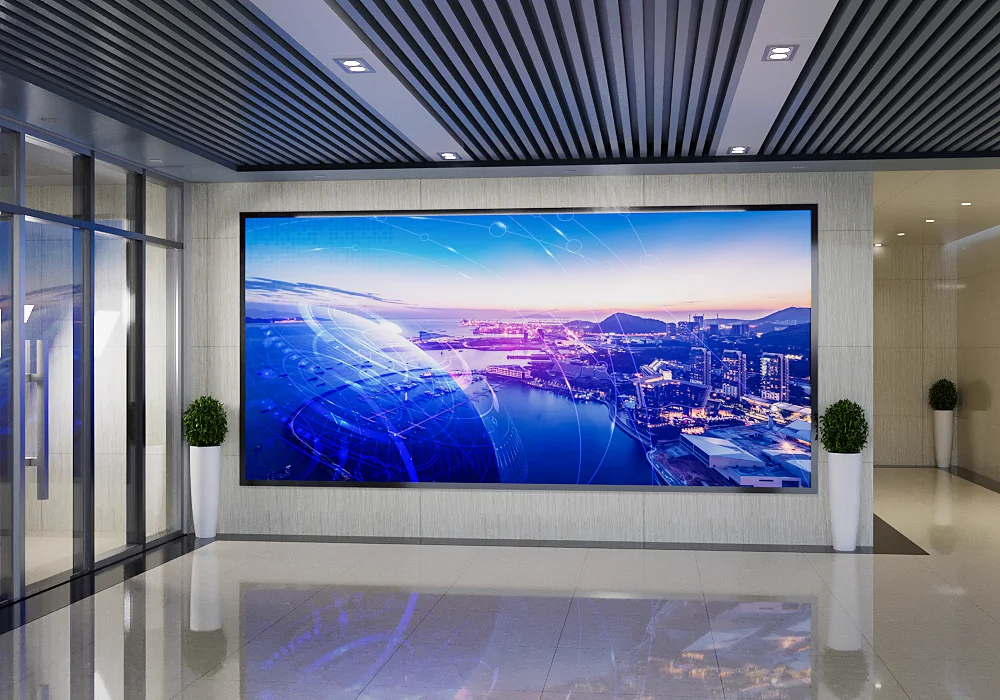
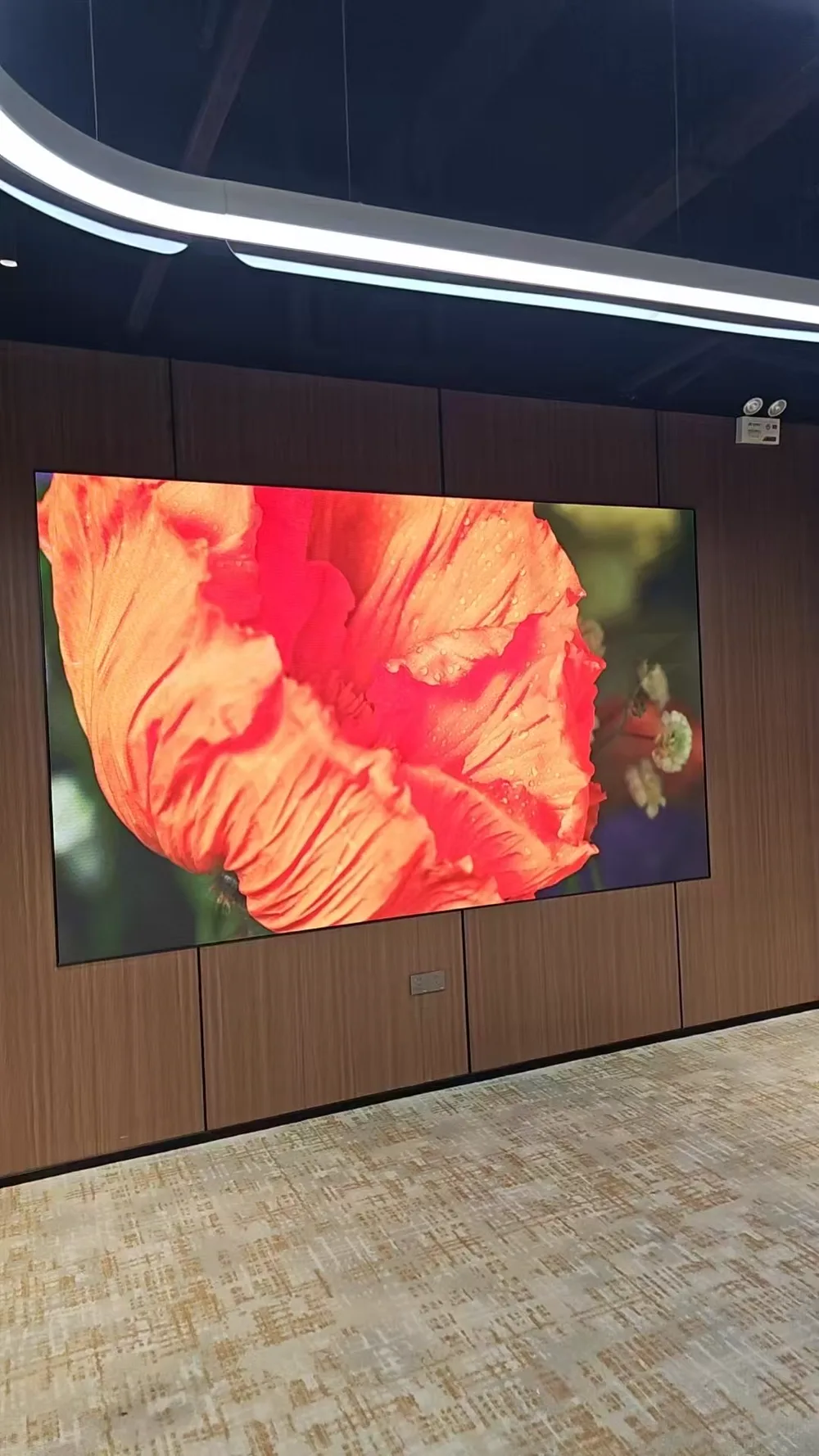
Fine-Pitch Fixed LED Wall
A seamless presentation surface for boardrooms, meeting rooms and executive spaces.
View Indoor LED Display →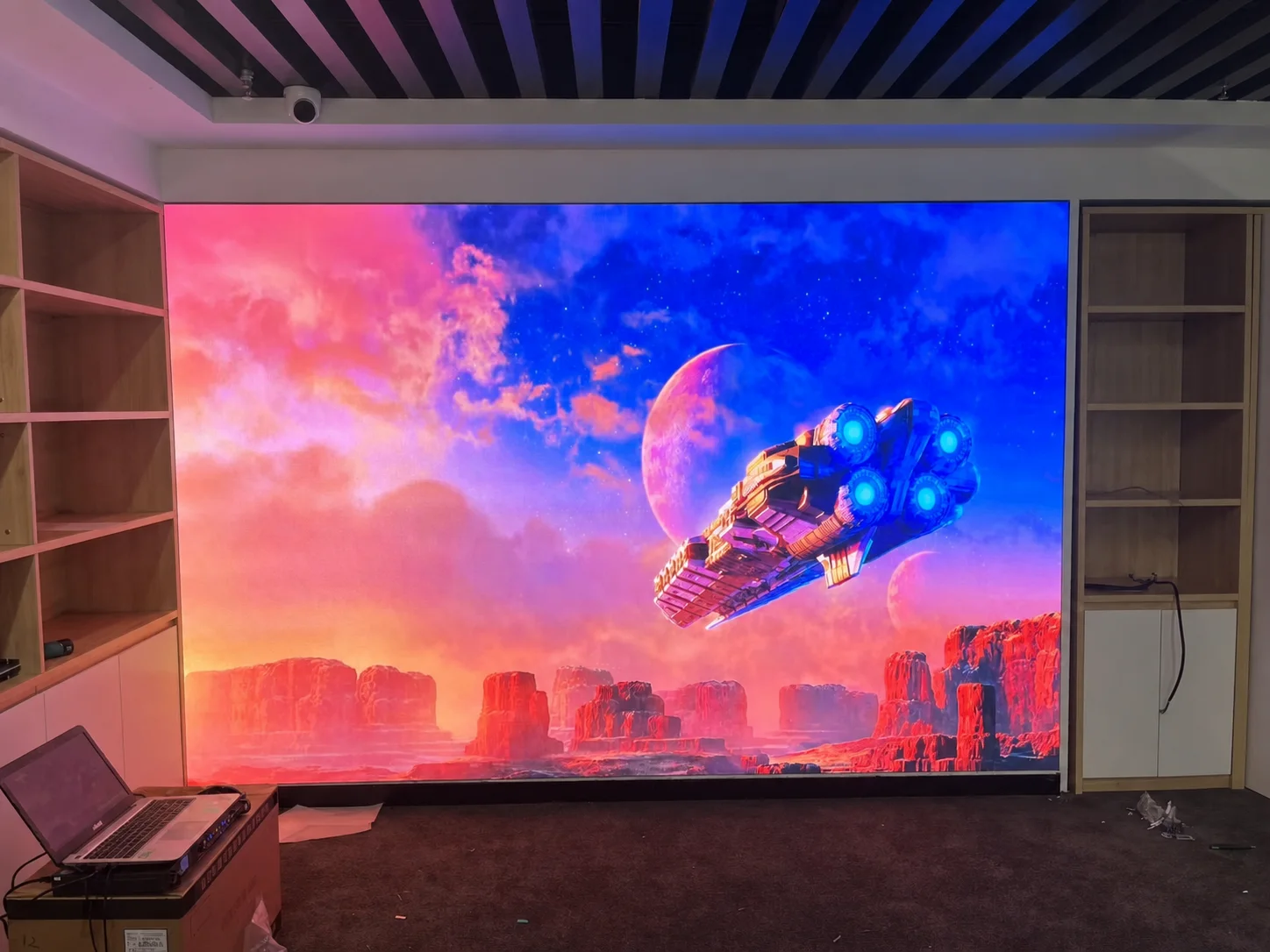
Front-Service LED Video Wall
Modules and selected internal components can be planned for access from the display face.
Review System Planning ↓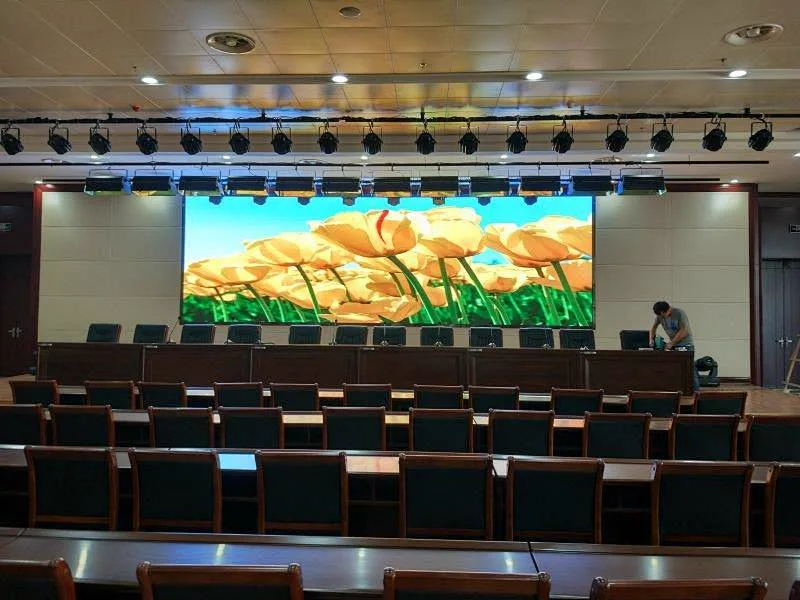
Auditorium LED Display
A larger display surface for reports, ceremonies, training and multi-row audience visibility.
Review Viewing Conditions ↓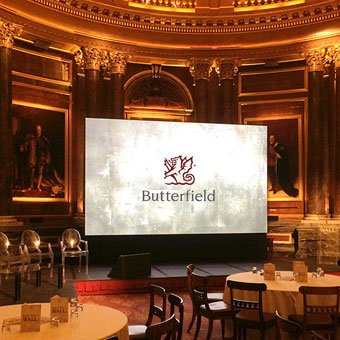
Corporate Event LED Display
Fast-build cabinet systems for product launches, annual meetings and temporary stages.
View Rental LED Display →VISUAL PERFORMANCE
Make Every Seat a Useful Viewing Position
Pixel pitch is only one decision. Conference content also depends on the screen dimensions, closest seat, camera workflow, ambient light and native content canvas.
Ask for a room-based recommendation →
Close-Viewing Detail
Boardrooms, meeting rooms and detailed presentation content.
Balanced Room Scale
Training rooms, conference halls and medium-distance viewing.
Large Auditorium
Screen size, farthest seats and stage production conditions guide the final pitch.
Coordinate physical dimensions, pixel pitch and controller output with the presentation canvas.
High-refresh configurations up to 3840 Hz are available; the camera workflow must still be reviewed.
Set the display for the room lighting so presentations remain clear without excessive visual intensity.
Confirm laptops, conferencing systems, switching and multi-source requirements before configuration.
SYSTEM & INSTALLATION PLANNING
The Display, Wall and Signal Path Must Work as One System
A visually clean meeting room still needs safe structure, practical service access and a clear path for power, data and input sources.
Wall & Structure
Confirm available dimensions, wall condition, load path and the required display depth.
Service Access
Select front or rear maintenance before fixing the cabinet and decorative wall details.
Power & Data
Plan distribution, cable paths, controller position and equipment access.
Control & Inputs
Review presentation laptops, video conferencing, switching and multi-source layouts.
Ventilation
Allow the selected cabinets and internal components to operate within a practical thermal design.
Content Canvas
Coordinate native resolution, aspect ratio and how users will present content day to day.
CONFERENCE APPLICATIONS
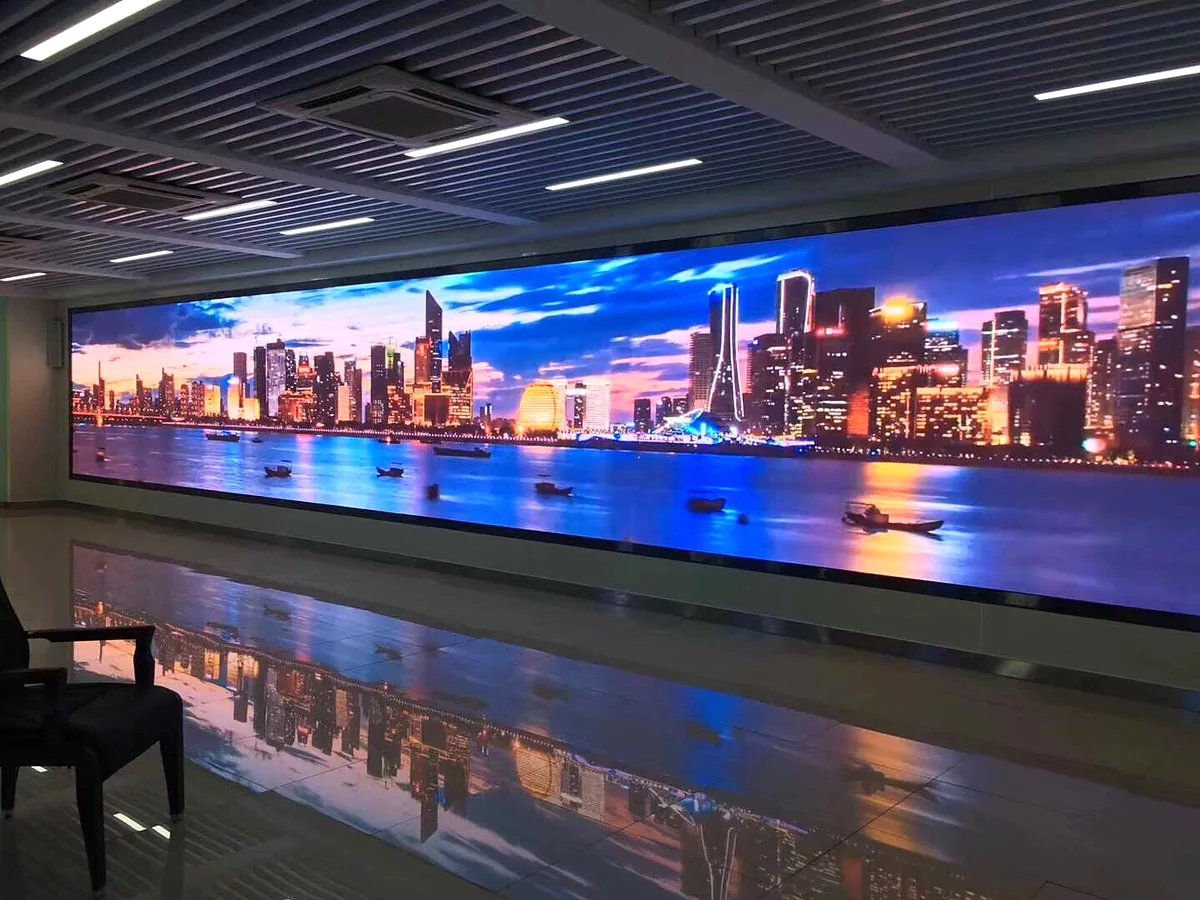
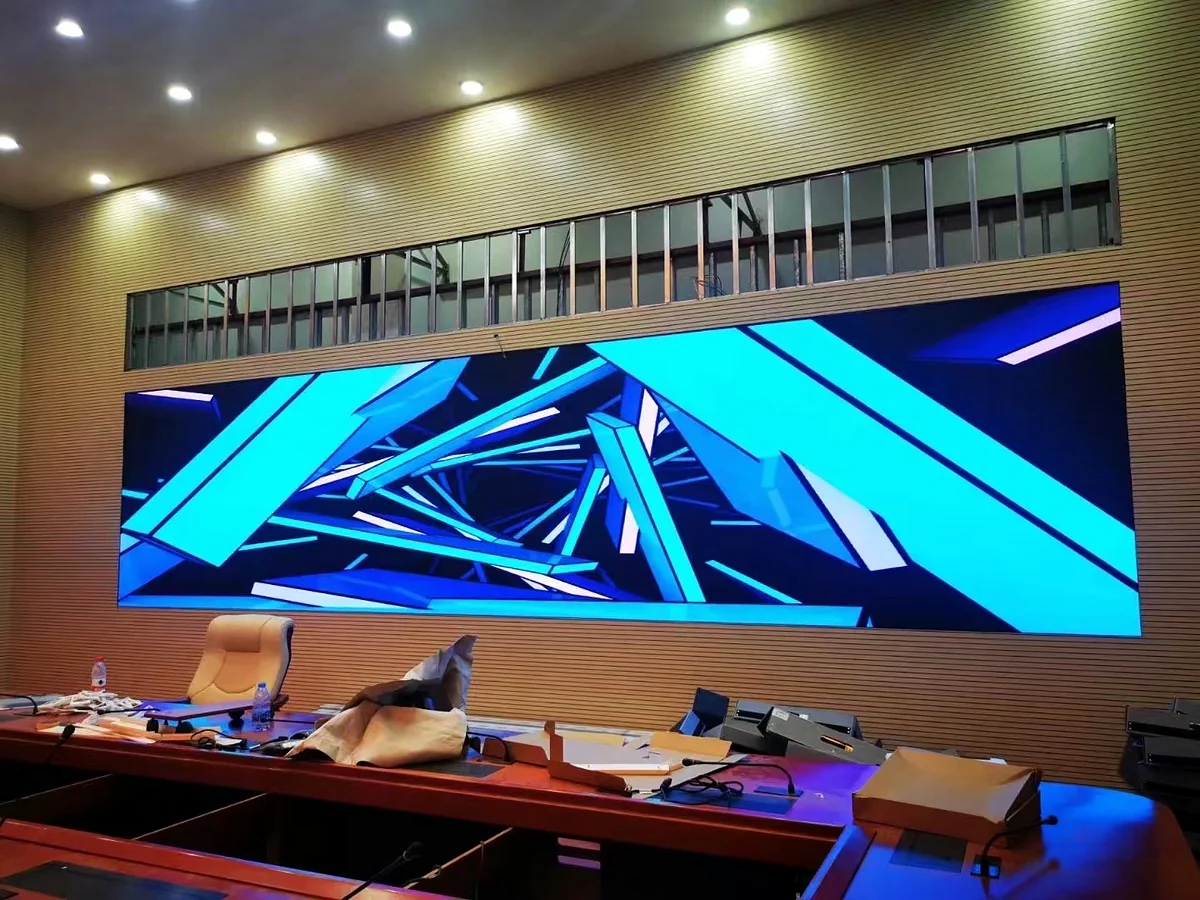
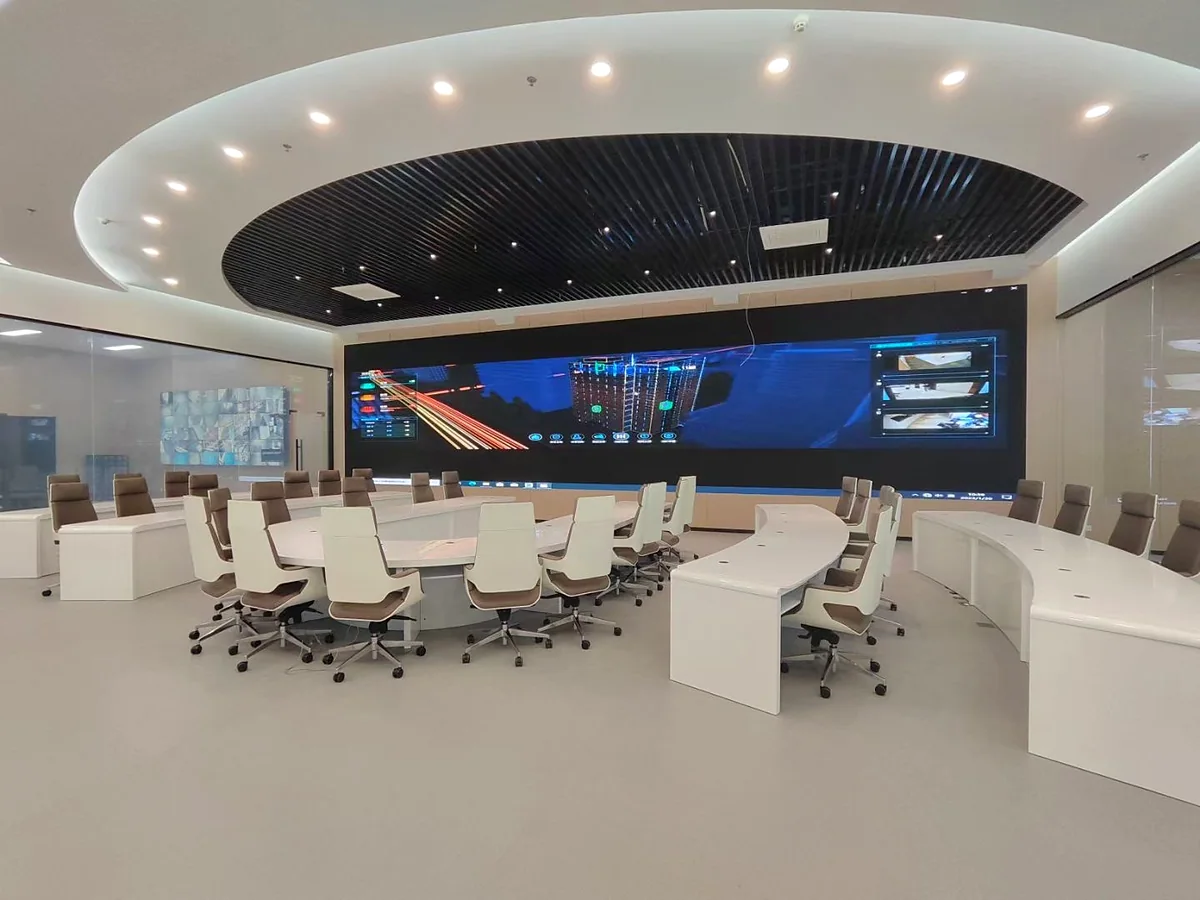
One Technology, Different Corporate Experiences
Use real room conditions to decide whether the project needs close-viewing precision, stage scale, permanent integration or temporary deployment.
FROM ROOM BRIEF TO DELIVERY
A Clear Path to a Buildable Conference Display
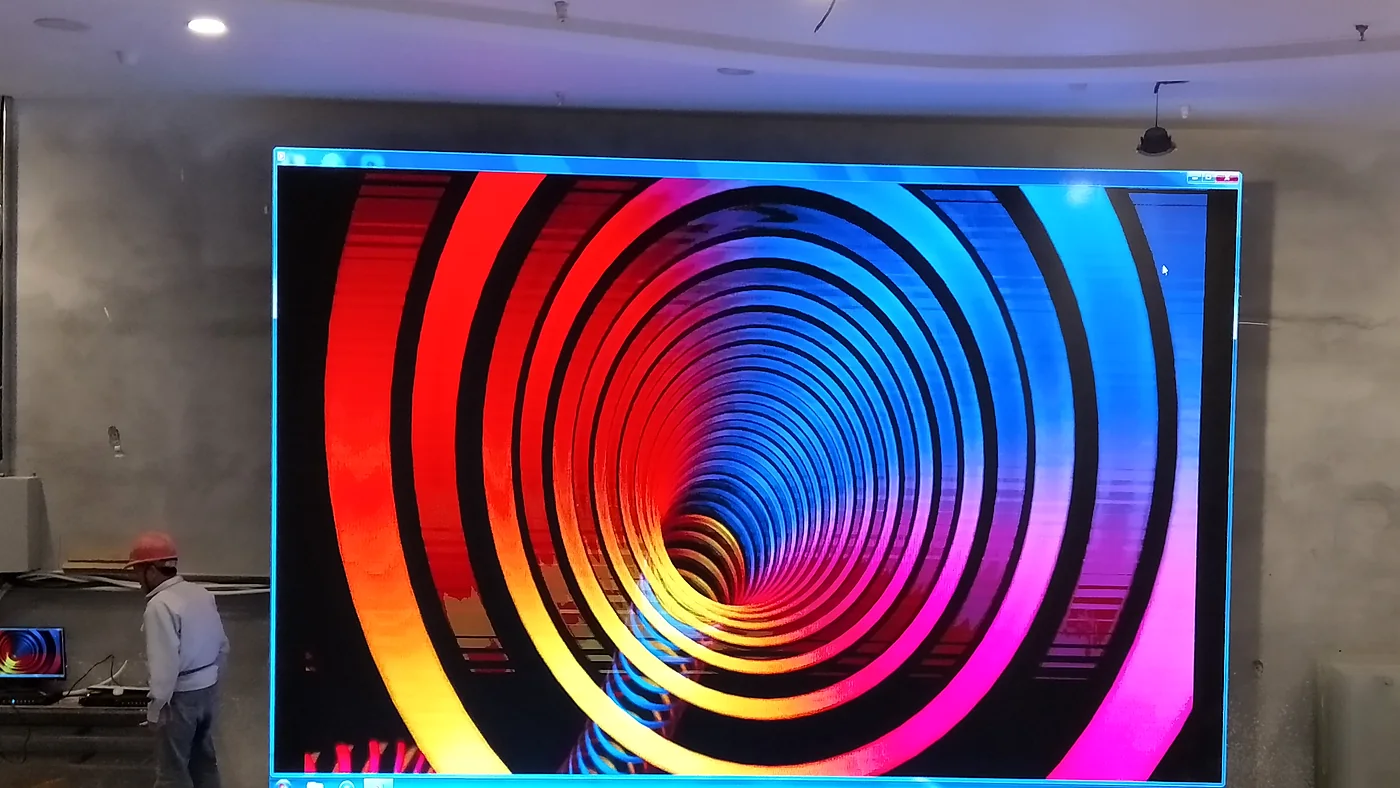
Start with site information instead of a model number. Each step removes uncertainty before production.
- 01
Review the Room
Confirm venue, screen size, seating, closest viewing distance and available wall space.
- 02
Configure the Display
Select pitch, cabinet, service method, controller, power and content resolution.
- 03
Confirm Engineering
Review structure, access, cable routes, drawings and approved project details.
- 04
Manufacture & Inspect
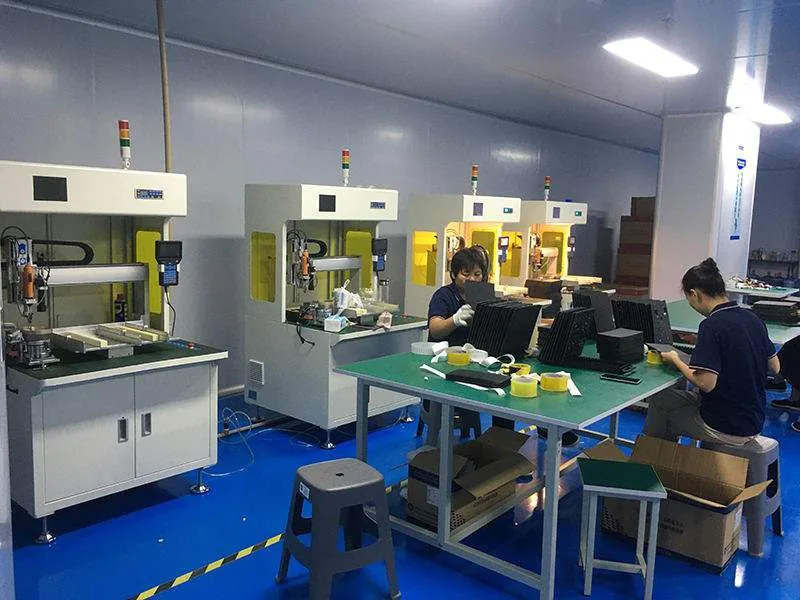
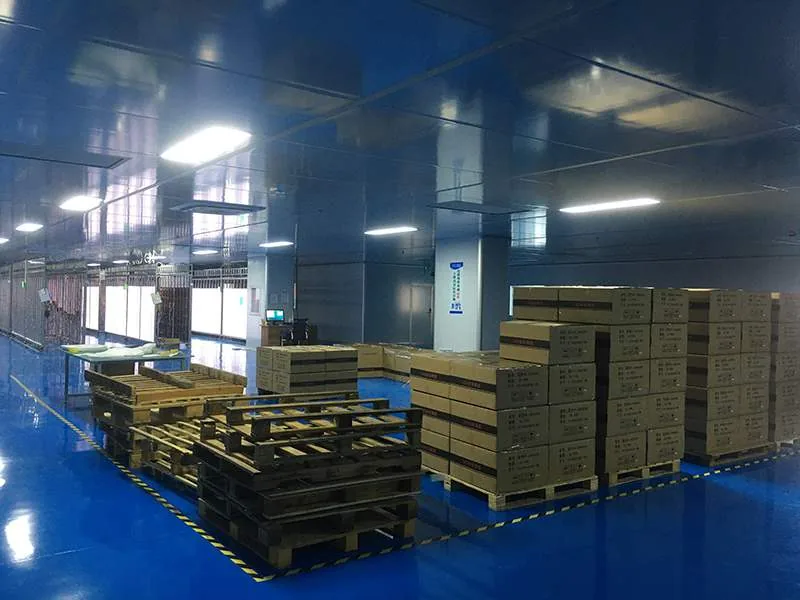
Build, age and inspect the display before project-specific packing.
- 05
Deliver & Support
Provide documentation and technical support according to the approved proposal.
BUYER QUESTIONS
Conference LED Display FAQ
Practical answers for early-stage planning. Final product and installation details are confirmed in the approved proposal.
What pixel pitch is suitable for a conference room LED display?
The closest viewing distance and the level of detail in presentations should lead the decision. Fine-pitch options such as P1.56 and P2 are commonly reviewed for close-viewing rooms, while wider pitches may suit larger halls. The final pitch is confirmed after the room dimensions and audience layout are checked.
Can a conference LED display use a 16:9 presentation format?
Yes. The screen dimensions, cabinet layout and controller can be planned around a 16:9 content canvas or another project-specific resolution. The physical wall size and selected pixel pitch determine the final native resolution.
Is front maintenance available for wall-mounted conference displays?
Yes. Front-service configurations can be considered when there is no rear maintenance corridor. Module access, power supplies, receiving cards, ventilation and cable routes should all be confirmed before the wall structure is finalized.
Can the LED wall be used for cameras, streaming and hybrid meetings?
High-refresh configurations up to 3840 Hz are available in the current indoor range. Share the camera type, frame rate, shutter settings and content workflow so the display and control system can be reviewed for the intended production environment.
What is needed for a conference LED display quotation?
Send the room or venue type, available screen width and height, closest viewing distance, wall photos or drawings, installation access, input sources, delivery country and target schedule.
Can MVP LED supply a screen for a corporate event or conference stage?
Yes. Rental LED display systems can be reviewed for temporary conferences, product launches and corporate stages, while fixed fine-pitch systems are more suitable for permanent boardrooms and meeting rooms.
Does MVP LED provide installation support?
MVP LED can provide project-specific drawings, configuration guidance, documentation and remote technical support. Local installation responsibility and any on-site requirements should be confirmed in the approved project proposal.
START WITH THE ROOM
Get a Conference LED Display Recommendation
Send the room type, available screen dimensions, closest viewing distance, site photos or drawings, installation access, destination and target schedule.