
MVP LED / EXHIBITION SOLUTIONS
Exhibition LED Displays That Build a Stronger Booth
Plan main walls, product-launch stages, transparent showcases, poster screens, creative structures and interactive floor zones around the booth plan and build schedule.
BUILD THE BOOTH IN ZONES
Six Display Roles Across the Visitor Journey
Use the main wall as the visual anchor, then add supporting screens only where they improve visibility, product storytelling or visitor flow.
 01
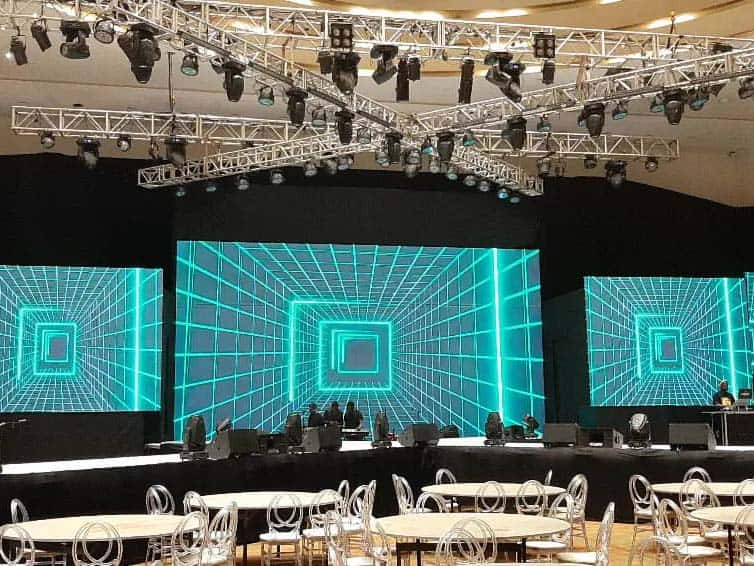
01Main Booth LED Wall
The primary brand canvas for demonstrations, presentations, live feeds and visitor-facing campaign content.
 02
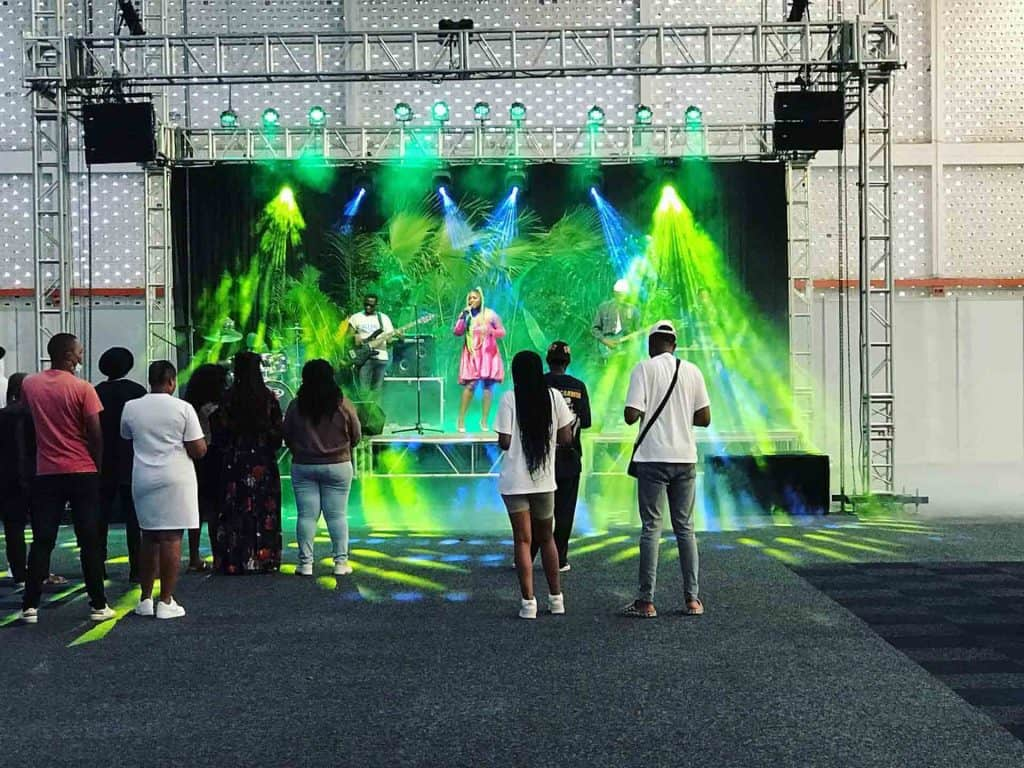
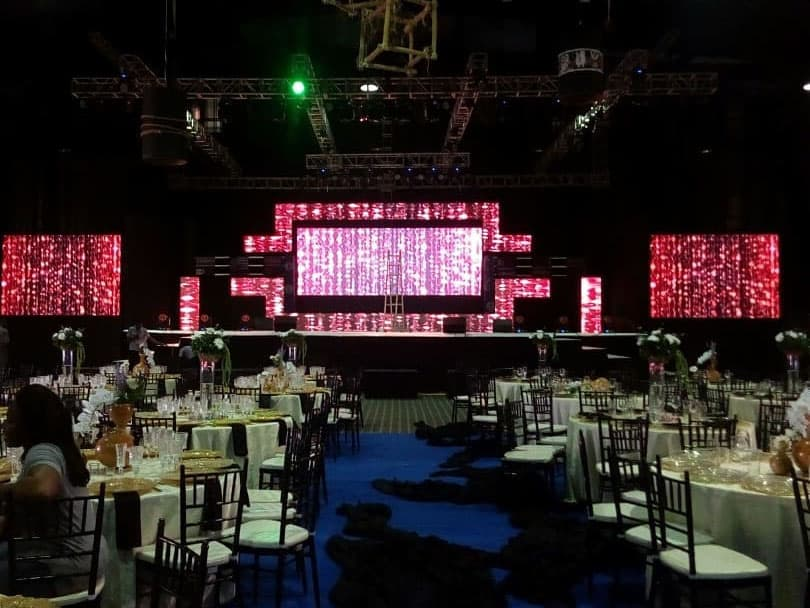
02Product Launch Stage
Wide stage visuals planned around presenter position, camera capture and audience circulation.
 03
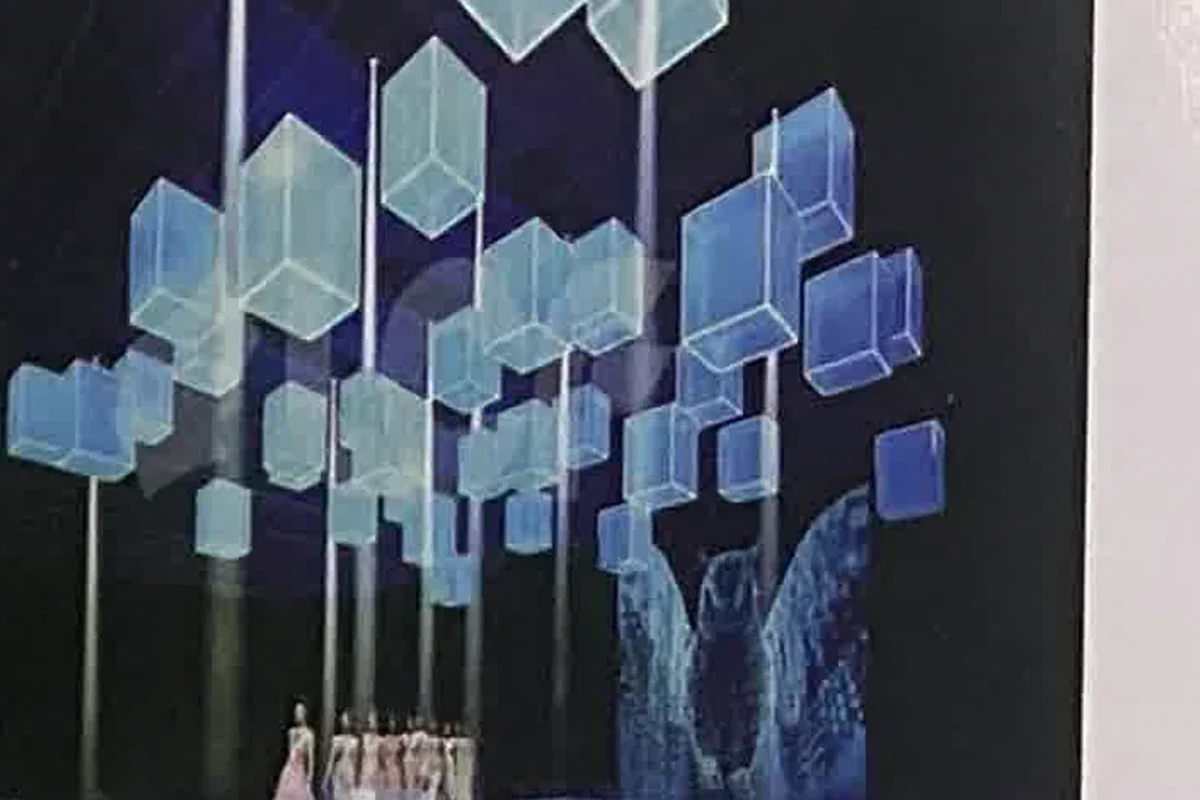
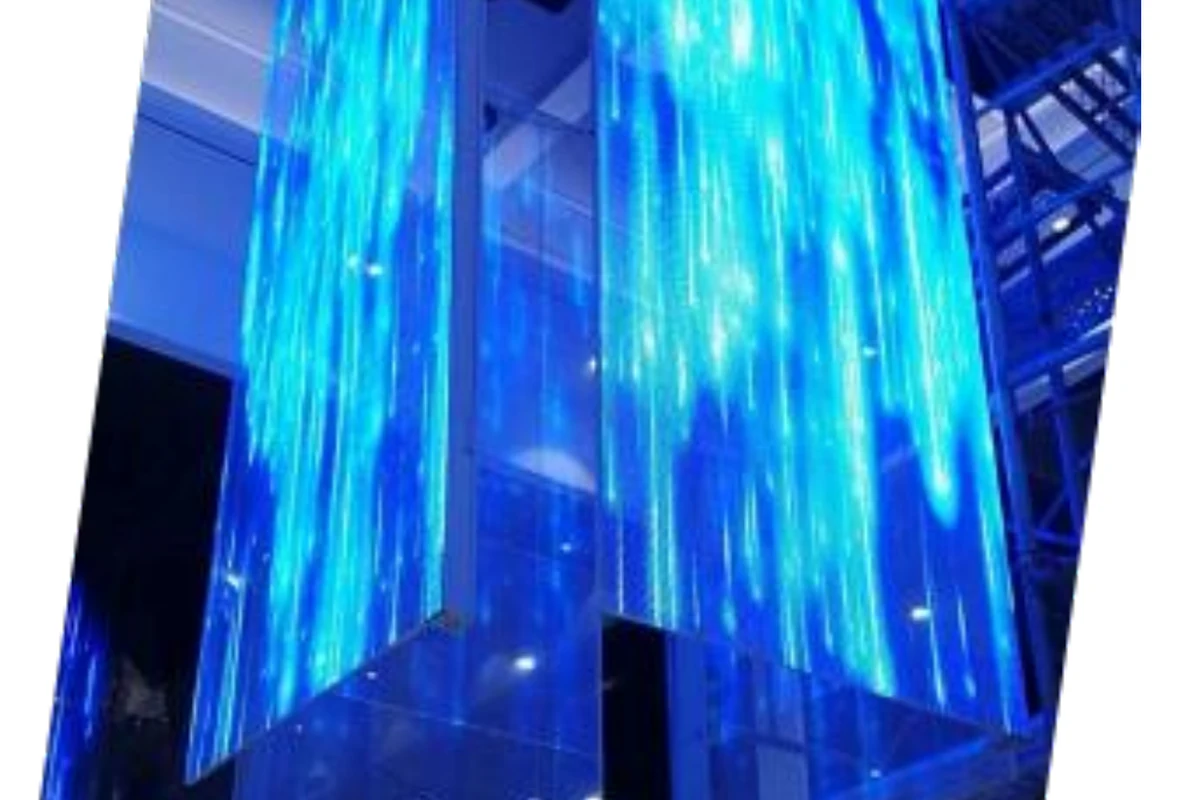
03Transparent Showcase
Open-sightline media for product displays, glass structures and layered booth experiences.
 04
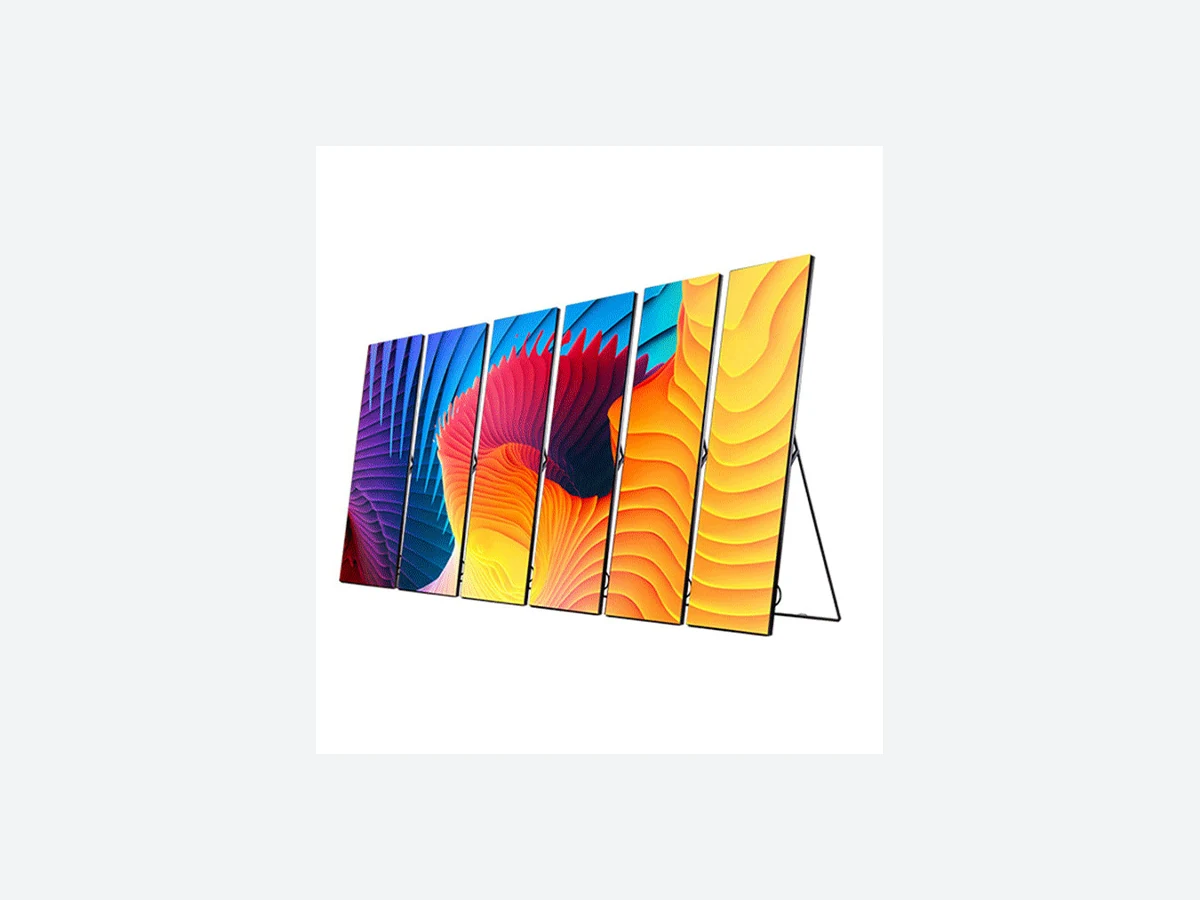
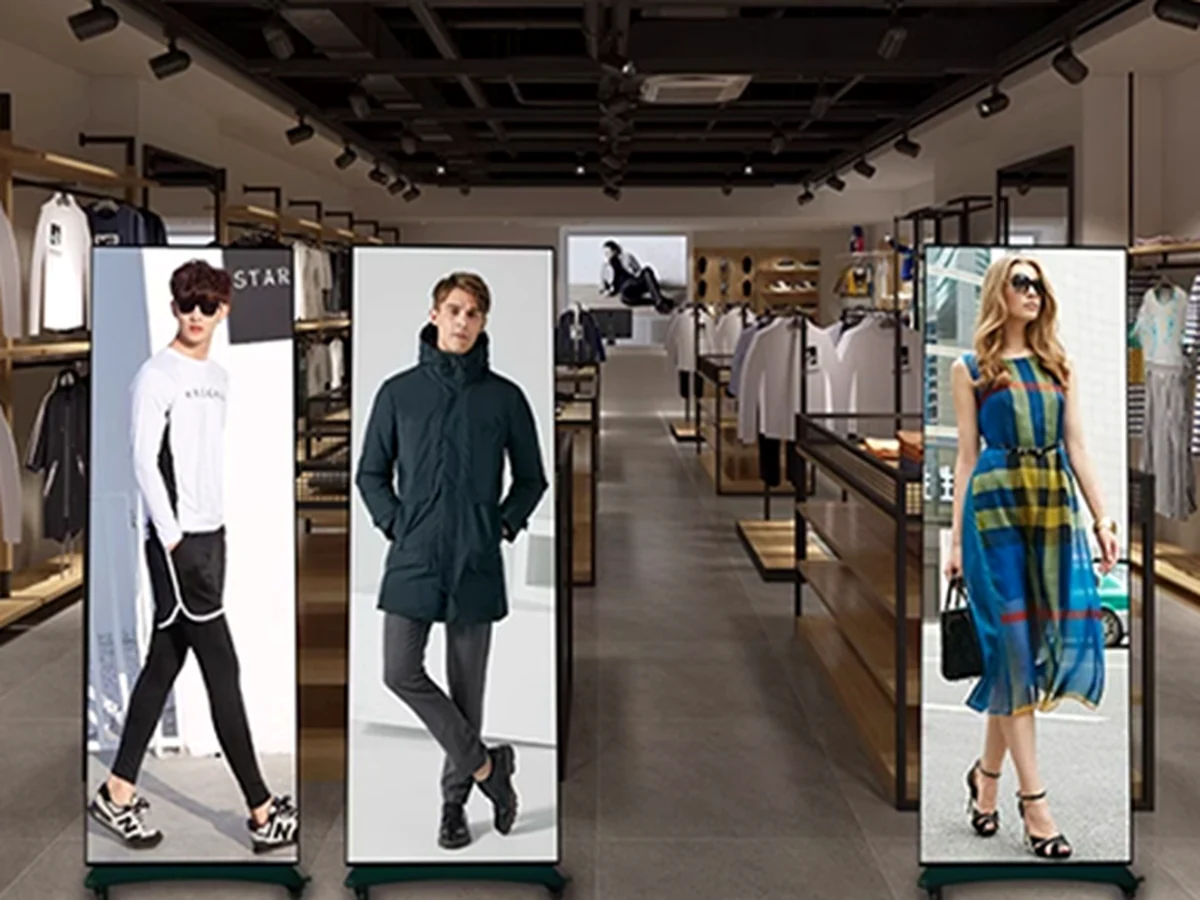
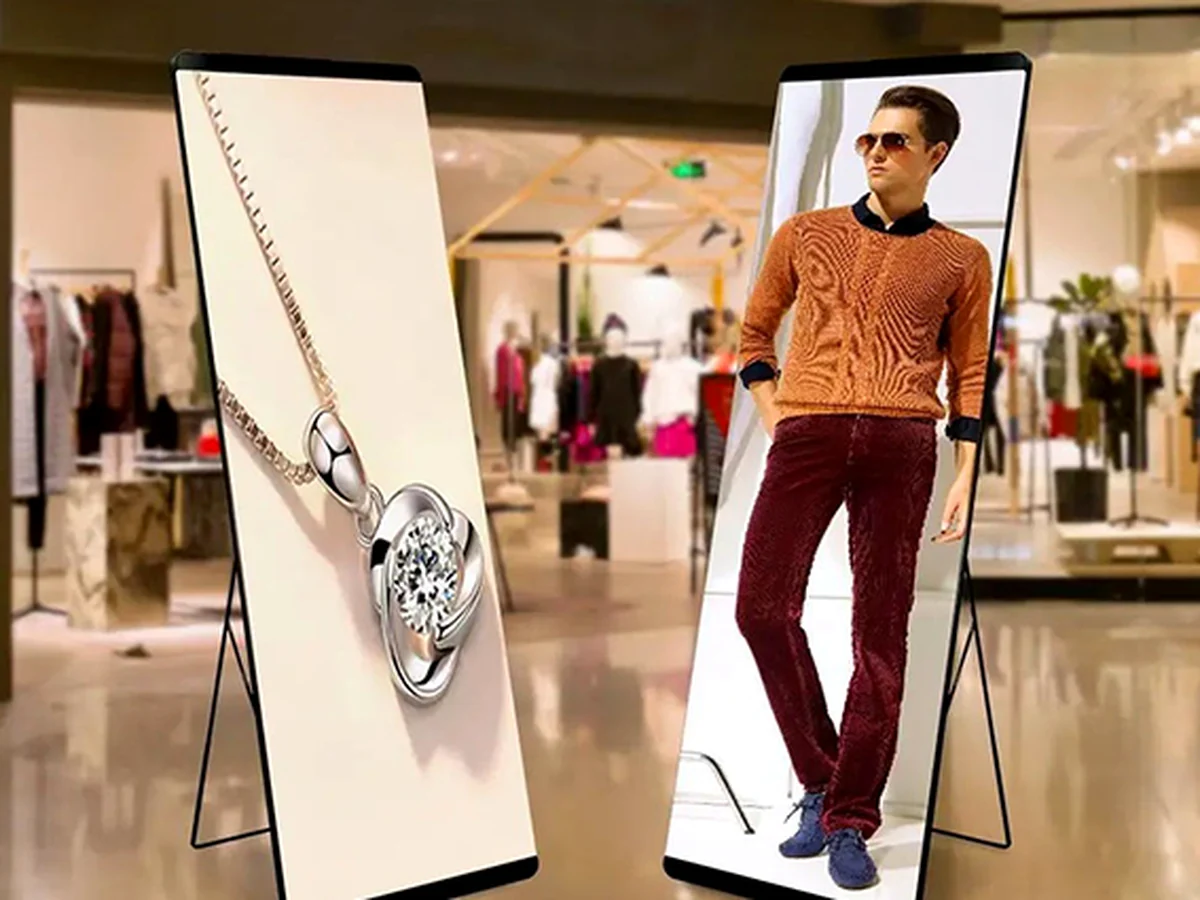
04Entrance & Reception
Freestanding portrait screens for schedules, wayfinding, campaign content and visitor welcome.
 05
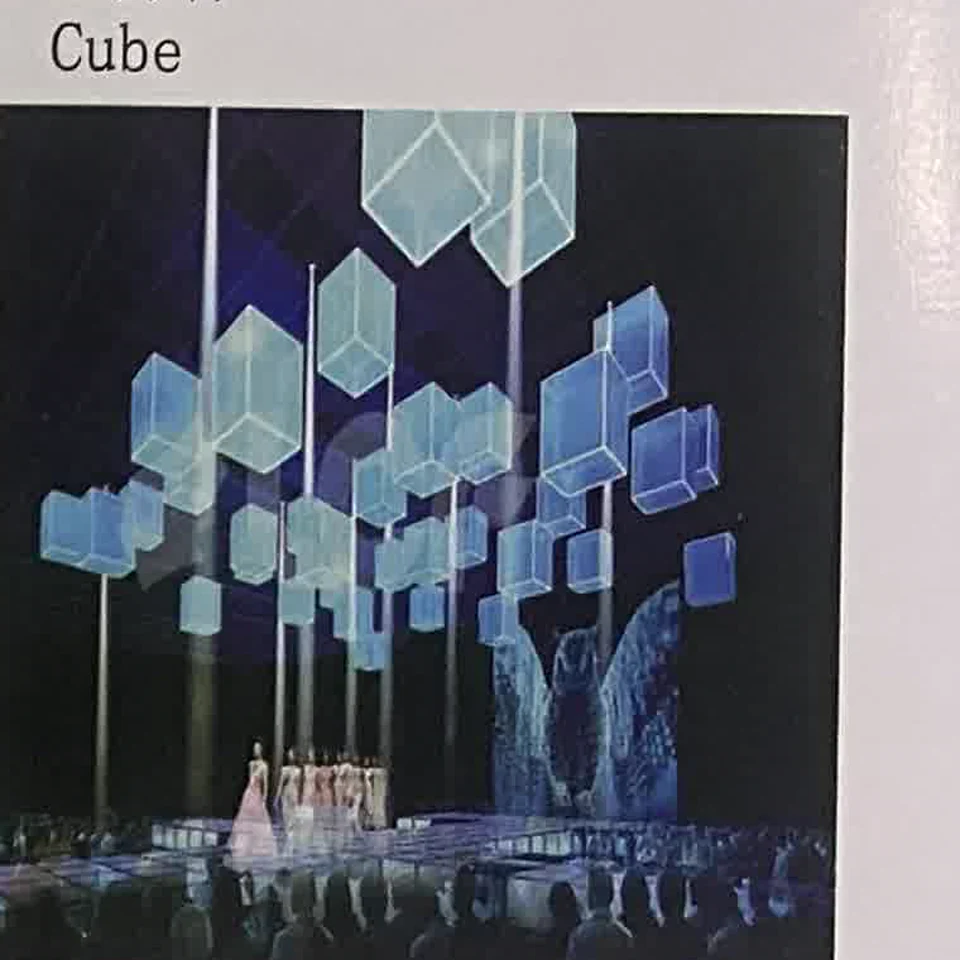
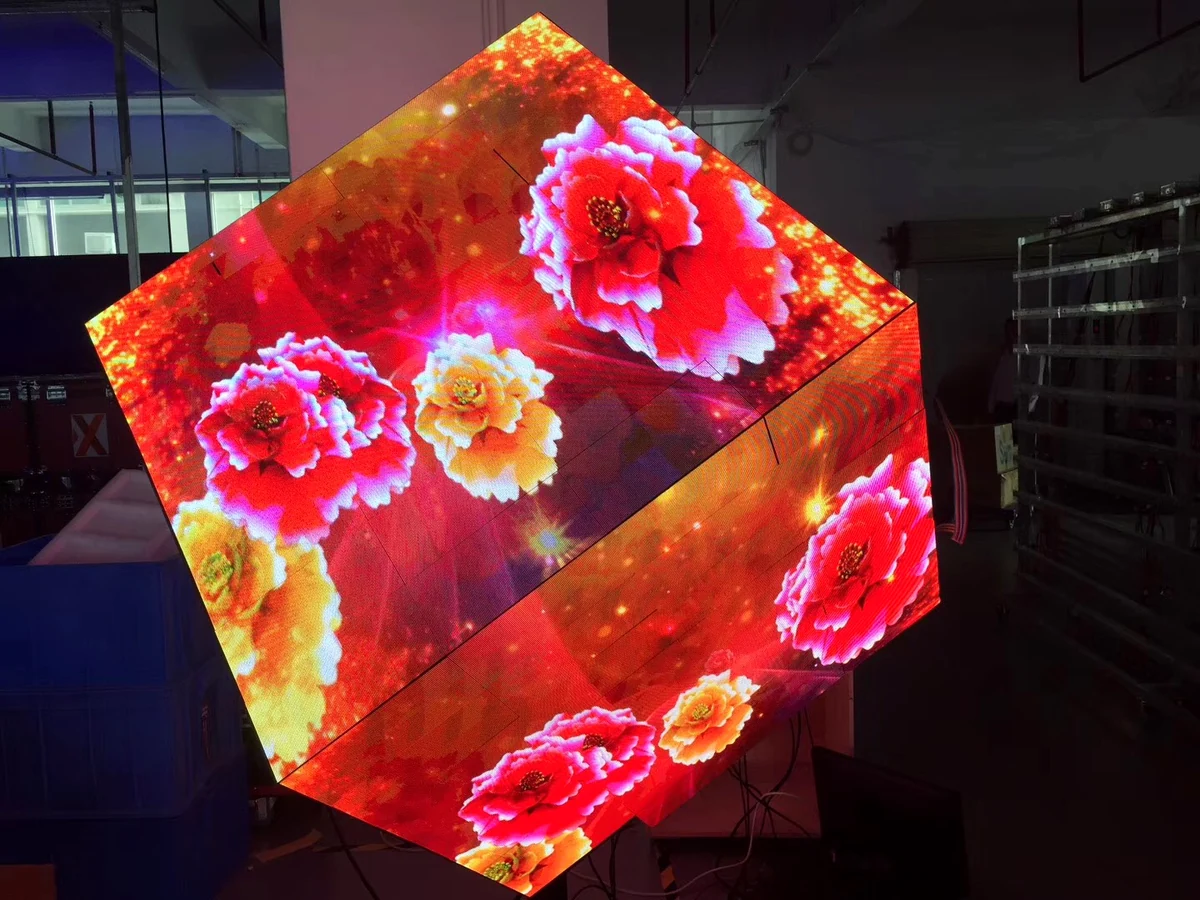
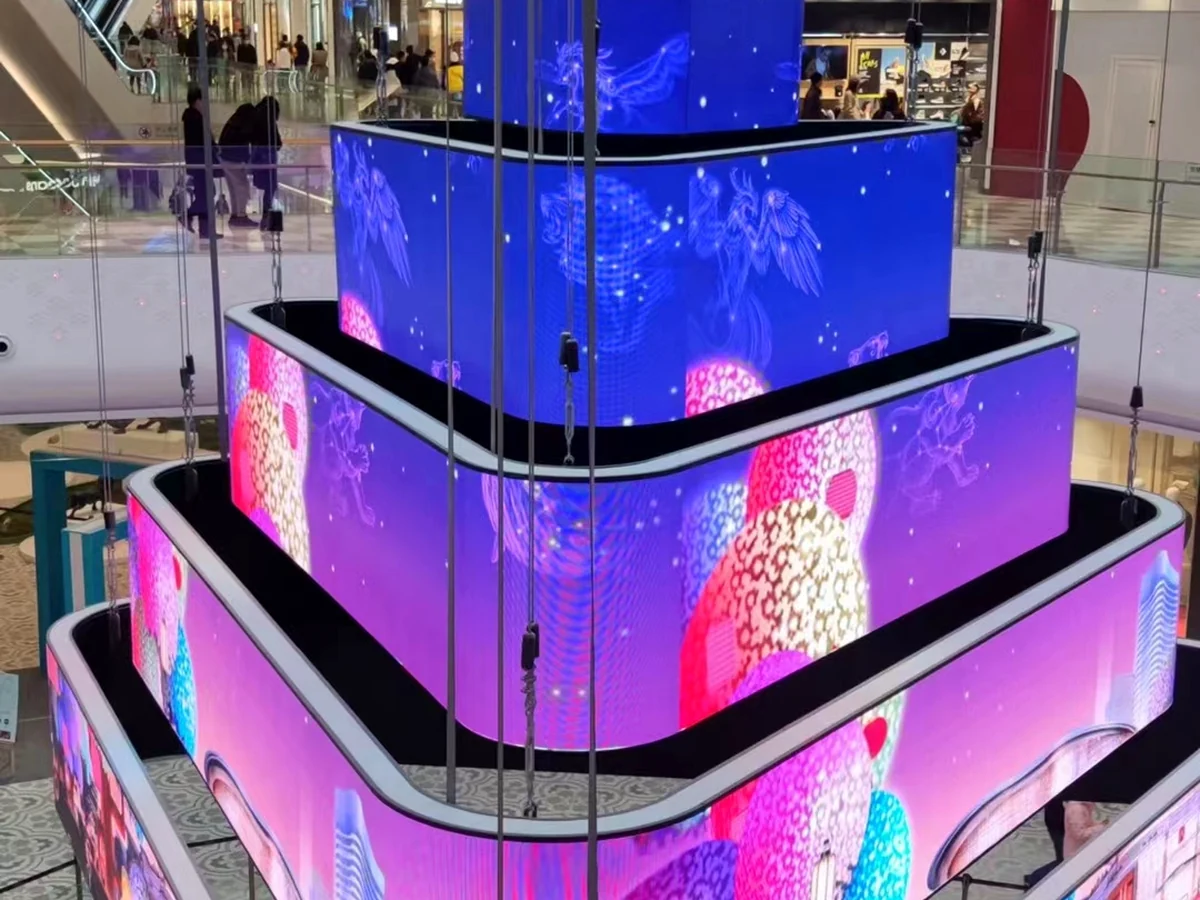
05Creative Booth Landmark
Cubes, columns, corners and custom geometry designed as a memorable architectural feature.
 06
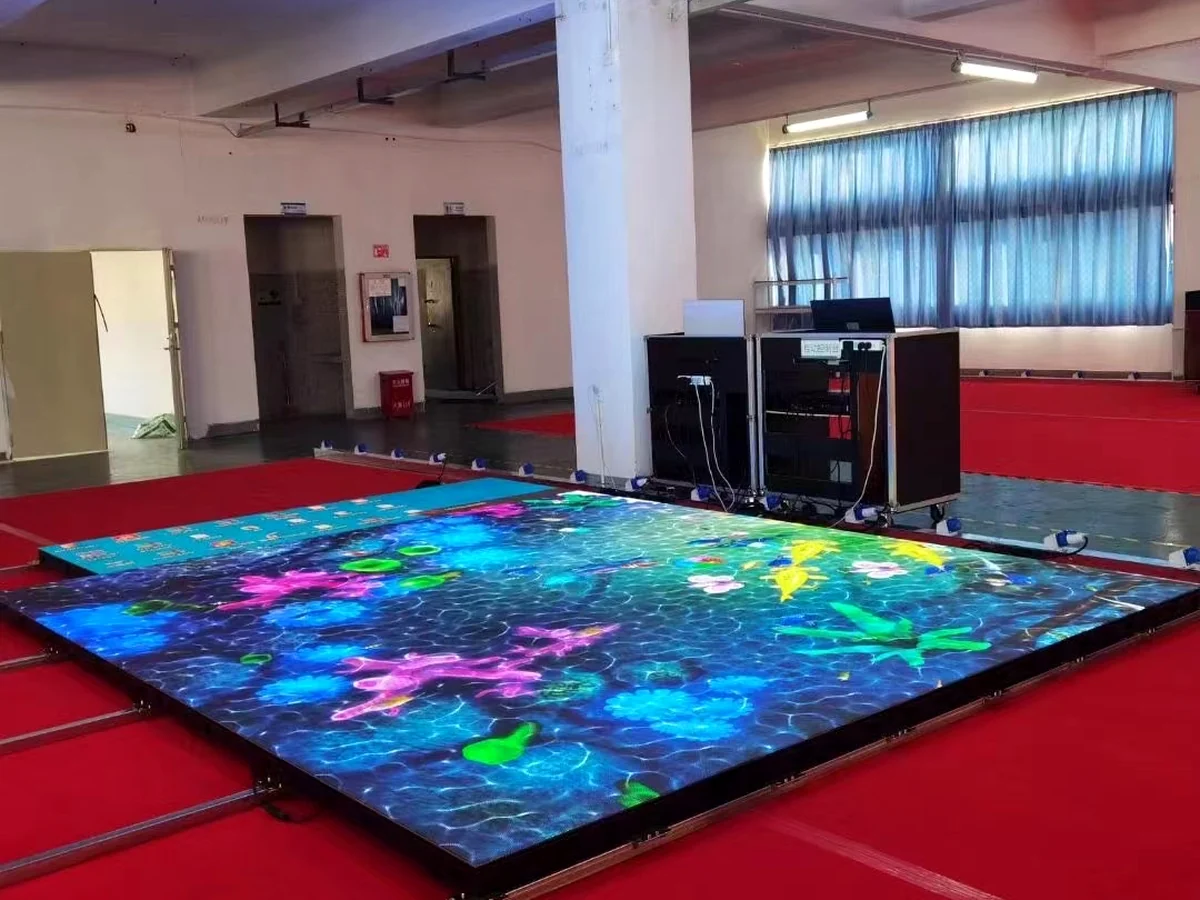
06Interactive Floor Zone
Load-bearing floor media for selected entrances, product reveals and immersive demonstration areas.
DISPLAY FORMAT LIBRARY
Choose the Hardware Around the Booth Job
Combine portable, transparent, freestanding and custom formats when the booth needs more than one visual surface.
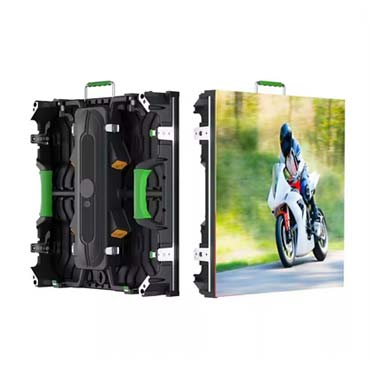
Rental LED Display
Modular cabinets for repeat transport, hanging, stacking and time-limited exhibition builds.
View Rental LED Display →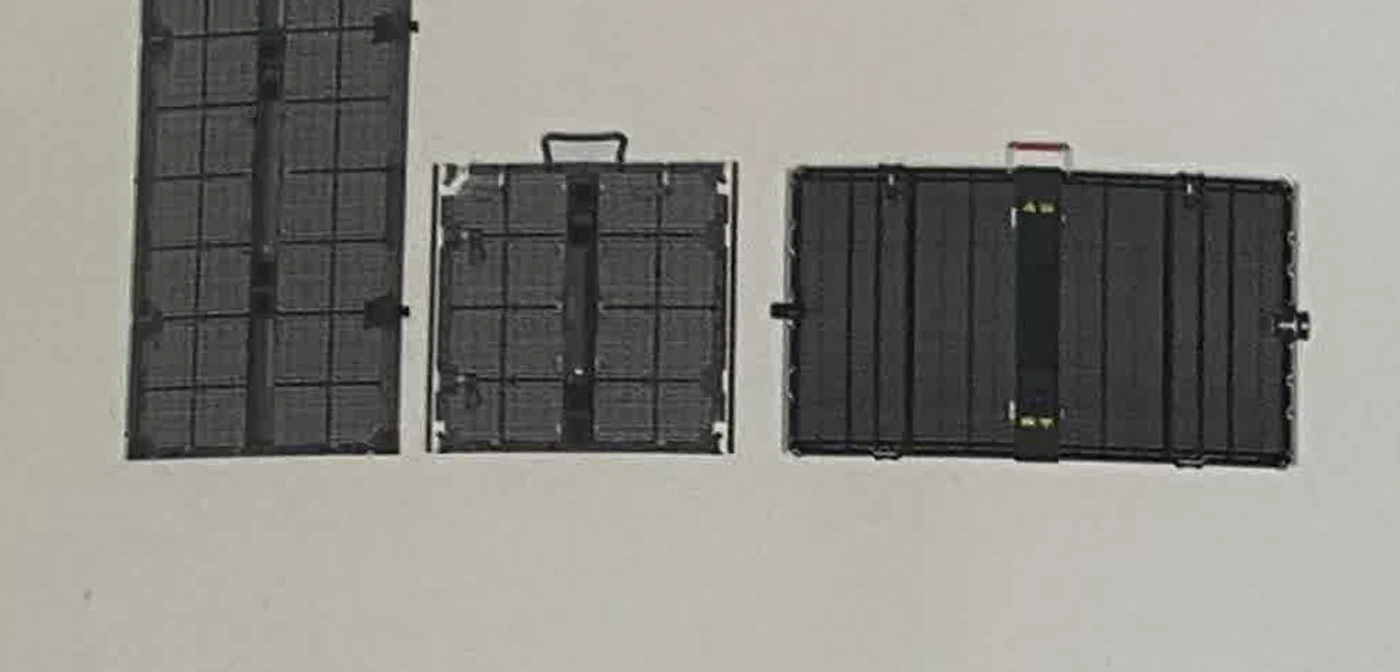
Transparent LED Display
See-through display structures for product showcases, windows and layered booth design.
View Transparent LED Display →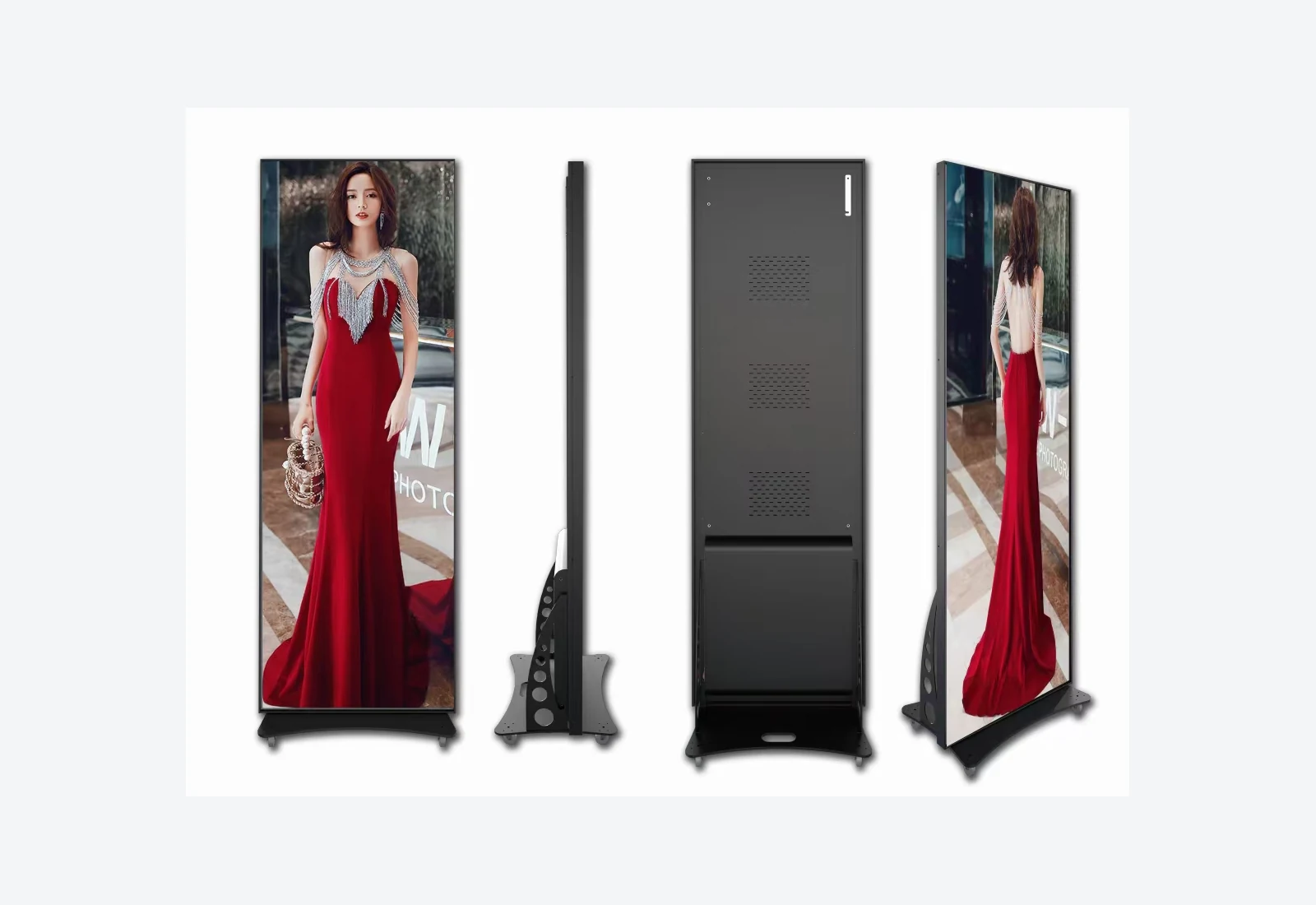
LED Poster Display
Portrait screens for reception, product messaging, schedules and flexible campaign placement.
View LED Poster Display →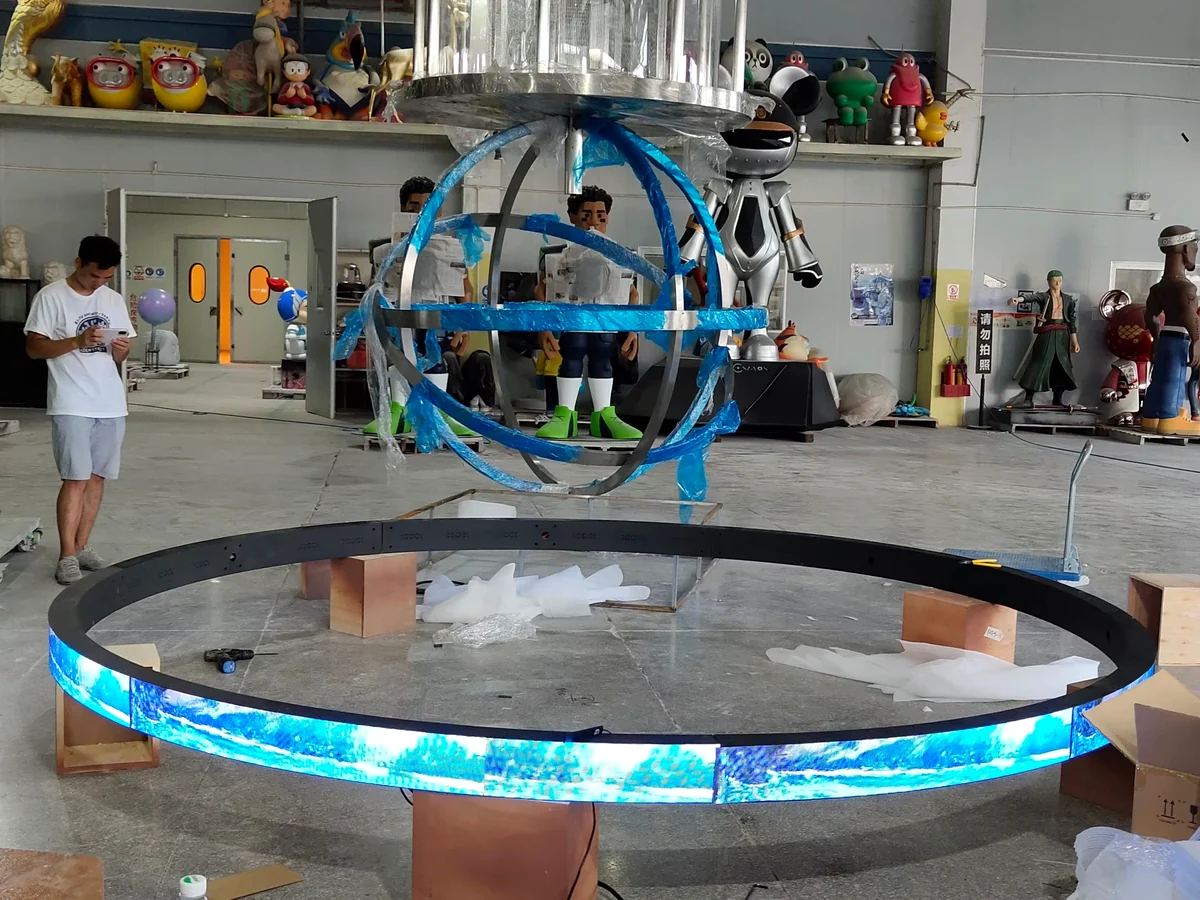
Creative LED Display
Curves, cubes, corners, rings and site-specific forms developed around the booth concept.
View Creative LED Display →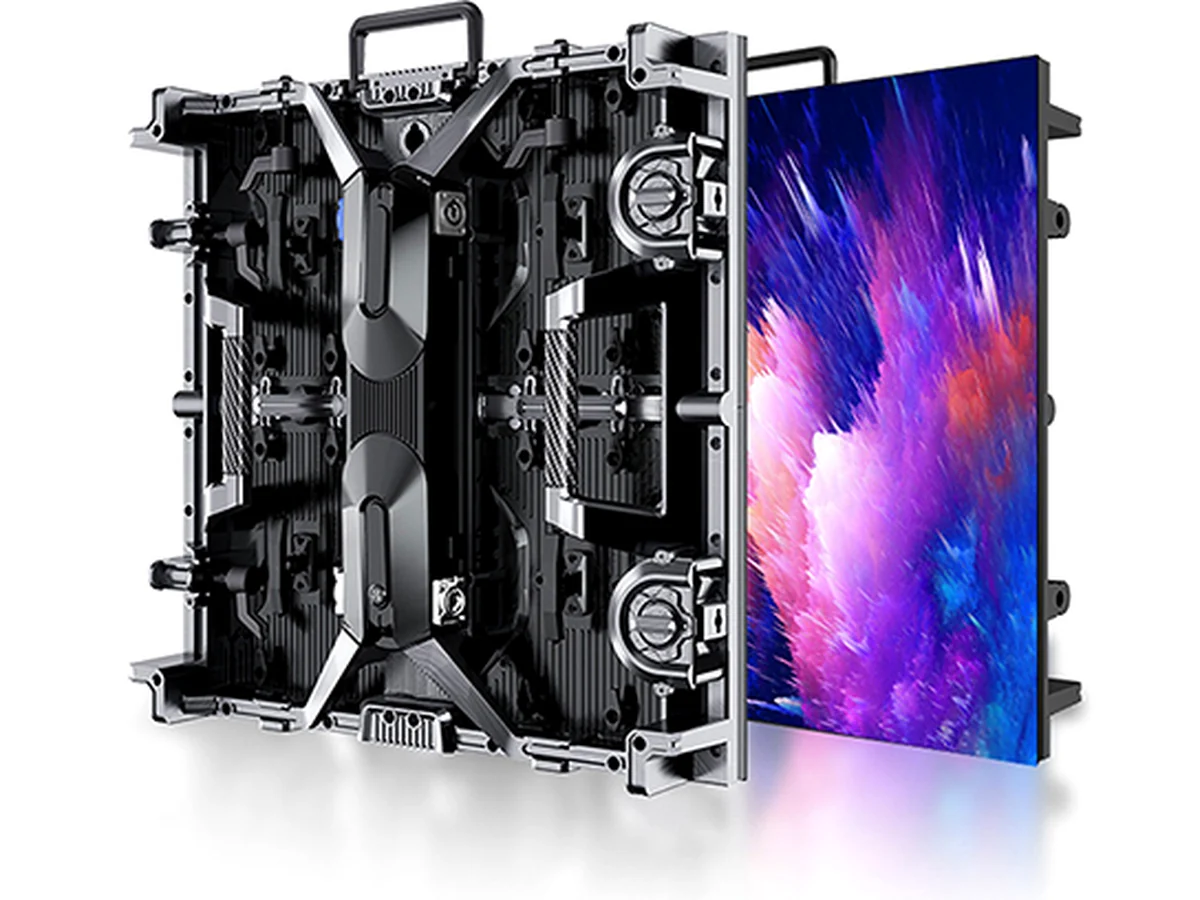
LED Floor Display
Load-bearing video surfaces for selected entrance, reveal and immersive demonstration zones.
View LED Floor Display →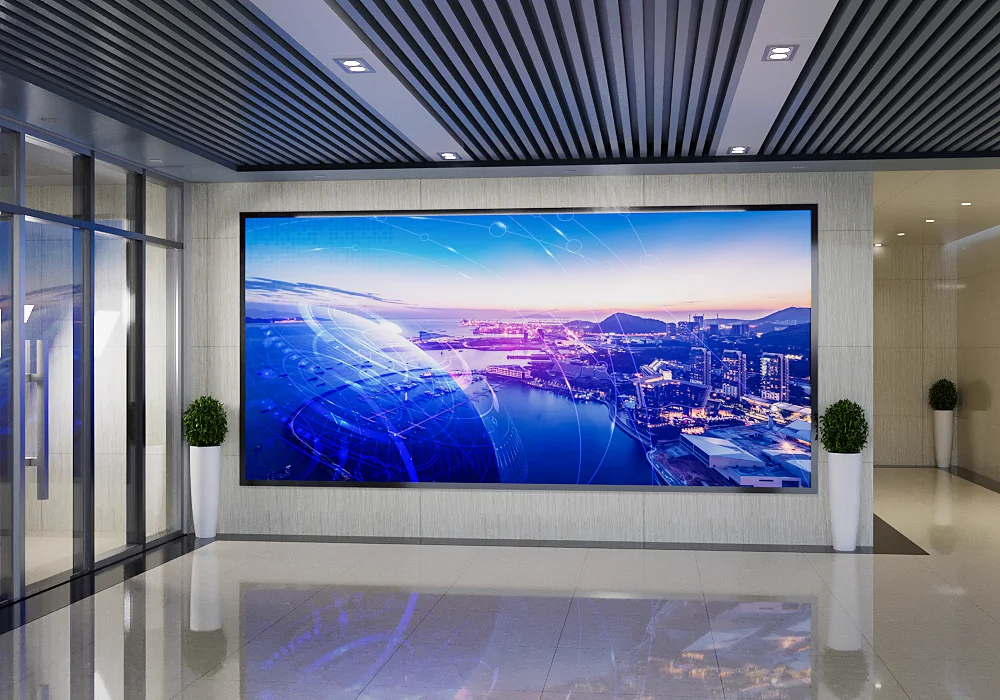
Indoor Fine-Pitch LED
Detailed video walls for permanent showrooms, premium presentations and close visitor viewing.
View Indoor LED Display →EXHIBITION BUILD PLANNING
Resolve the Show Constraints Before the Screen Ships
A good display layout must fit the booth, the venue rules, the setup window and the actual service path.
Booth Dimensions
Available width, height, visitor paths, neighboring structures and sightlines.
Viewing & Content
Closest audience distance, presentation detail, camera use and native canvas.
Hanging or Stacking
Rigging points, floor support, base depth, load path and venue responsibility.
Setup Window
Delivery access, assembly sequence, testing time and dismantling schedule.
Power & Control
Distribution, processor location, source routing, synchronization and redundancy.
Service Access
Module replacement, rear clearance, front service and spare-part access during the show.
TRANSPORT & REPEAT USE
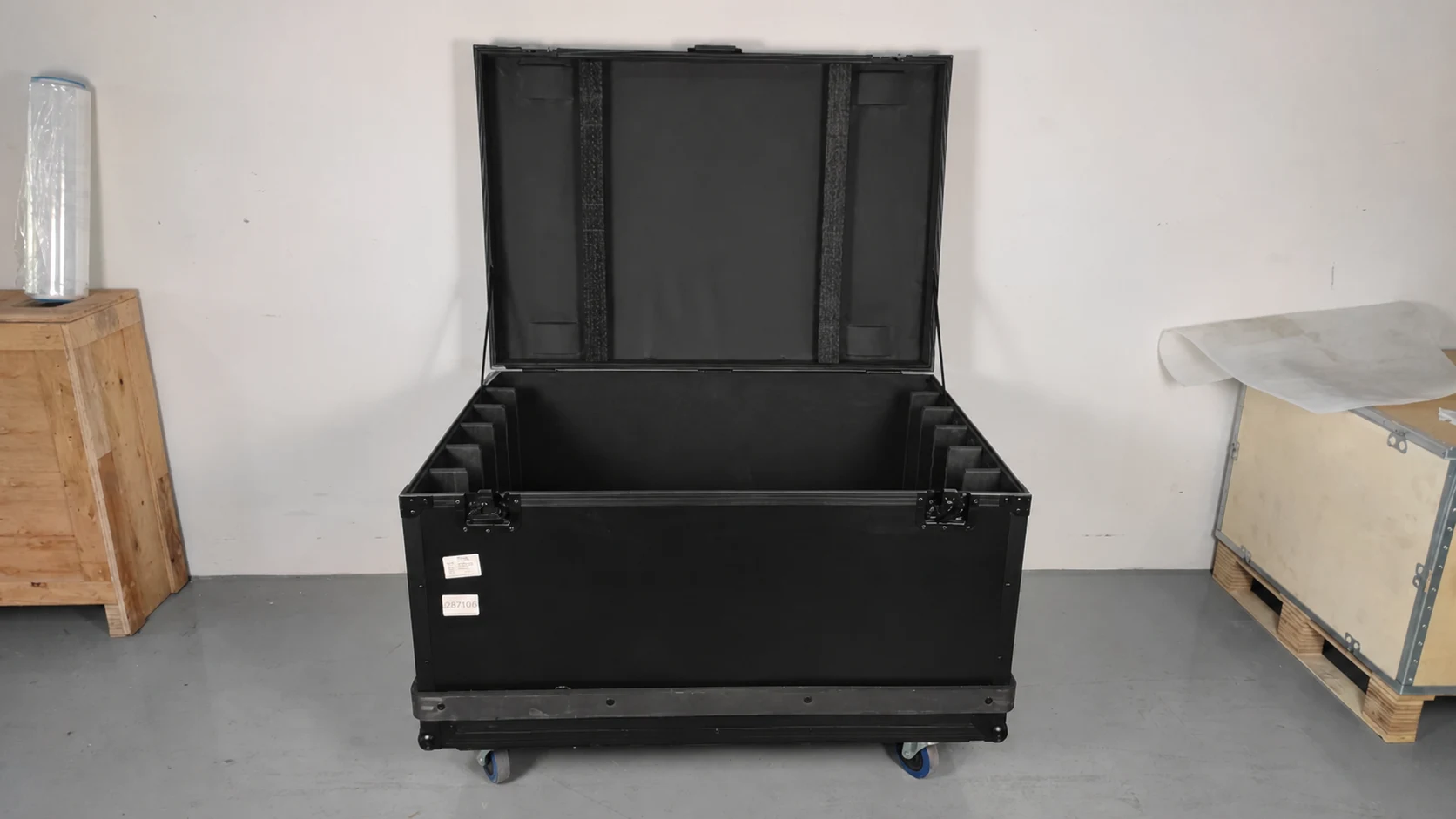
Protect the Display Between the Factory, Venue and Next Show
Cabinet protection, flight cases, identification, spare parts and packing sequence should follow the quantity, destination and installation workflow.
- 01Cabinet protectionReduce impact on modules, corners and connectors.
- 02Case organizationMatch quantities and accessories to the build sequence.
- 03Project identificationKeep screen zones, cables and hardware traceable.
- 04Spare accessPrepare service parts for the active show window.
EXHIBITION VISUAL SYSTEMS
From Product Information to a Booth Landmark
Use different display scales to guide visitors, explain products and create a visible brand destination across the show floor.
PROJECT PATH
Four Steps From Booth Plan to Show-Ready Display
Keep screen configuration, transport and the build schedule connected from the first layout.
Share the Booth
Plan, display zones, dimensions, audience flow and show date.
Configure the System
Display format, pitch, structure, control and service method.
Prepare the Build
Cabinet map, packing, accessories, testing and installation sequence.
Support the Show
Documentation, remote guidance and project-specific service scope.
BUYER FAQ
Exhibition LED Display Questions
Practical points for exhibitors, booth builders, rental companies and AV integrators.
Which LED display is best for an exhibition booth?
Rental LED cabinets are practical for repeat setup, while transparent, poster, creative and floor formats can support specific booth zones. The booth dimensions, viewing distance, structure, setup time and content plan determine the useful combination.
Can the screen be ground stacked instead of hung?
Yes. Rental displays can be reviewed for hanging, stacking or site-specific support. The approved booth structure, screen size, base depth, load path and venue rules determine the method.
Can several exhibition displays show synchronized content?
Yes. Main walls, poster units, transparent surfaces and other screens can be coordinated for synchronized or independent playback. Share the required sources, native canvas and control workflow.
How should transport and packing be planned?
Confirm the destination, show dates, access windows, quantity and transport method. Cabinet protection, flight cases, identification and spare parts should be aligned with the approved project scope.
Can MVP LED support custom booth geometry?
Yes. Curves, corners, cubes, columns, suspended forms and transparent structures can be reviewed around the target dimensions, module layout, supporting structure, service access and content mapping.
What is needed for an exhibition LED display quotation?
Send the booth plan, target display dimensions, viewing distance, mounting method, indoor or outdoor conditions, content sources, destination, setup window and show date.
START WITH THE BOOTH PLAN
Build the LED Display Around the Show Experience.
Send the booth drawing, display zones, dimensions, viewing distance, mounting method, content sources, destination, setup window and show date.