
MVP LED / TRANSIT HUB SOLUTIONS
Airport & Station LED Display Solutions
Plan passenger-facing information, commercial media and architectural LED displays around each terminal, concourse, platform and waiting zone.
MAP THE PASSENGER JOURNEY
Display Zones and Format References for a Transport Hub
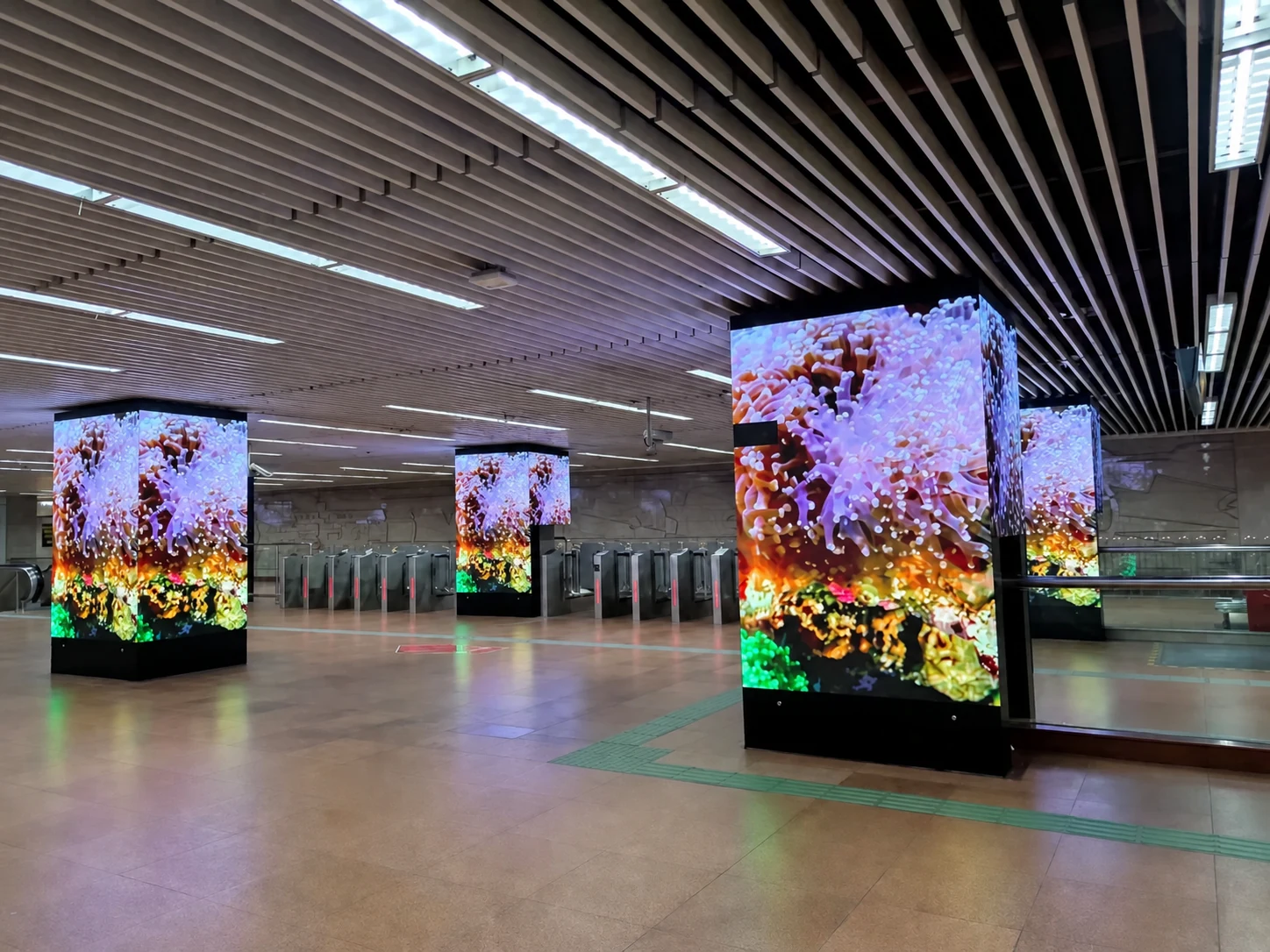
The station-column image is a transit application. The remaining images are identified product or configuration references for evaluating each zone.
 01
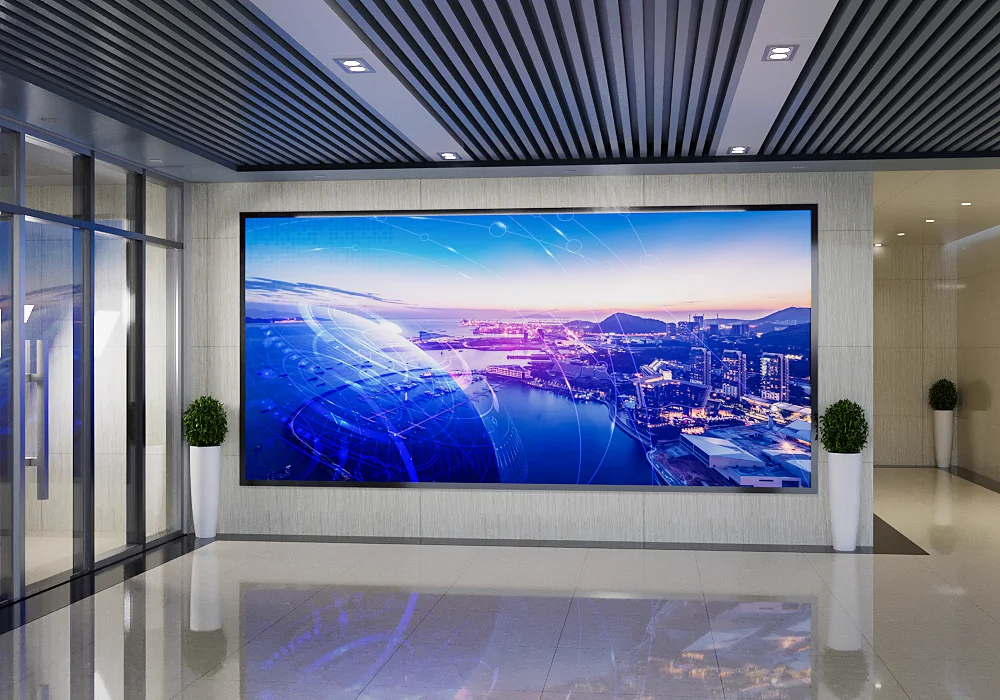
01Fine-Pitch Hall Reference
Product-format reference for schedules, service messages, branding and destination content in departure and arrival halls.
 02
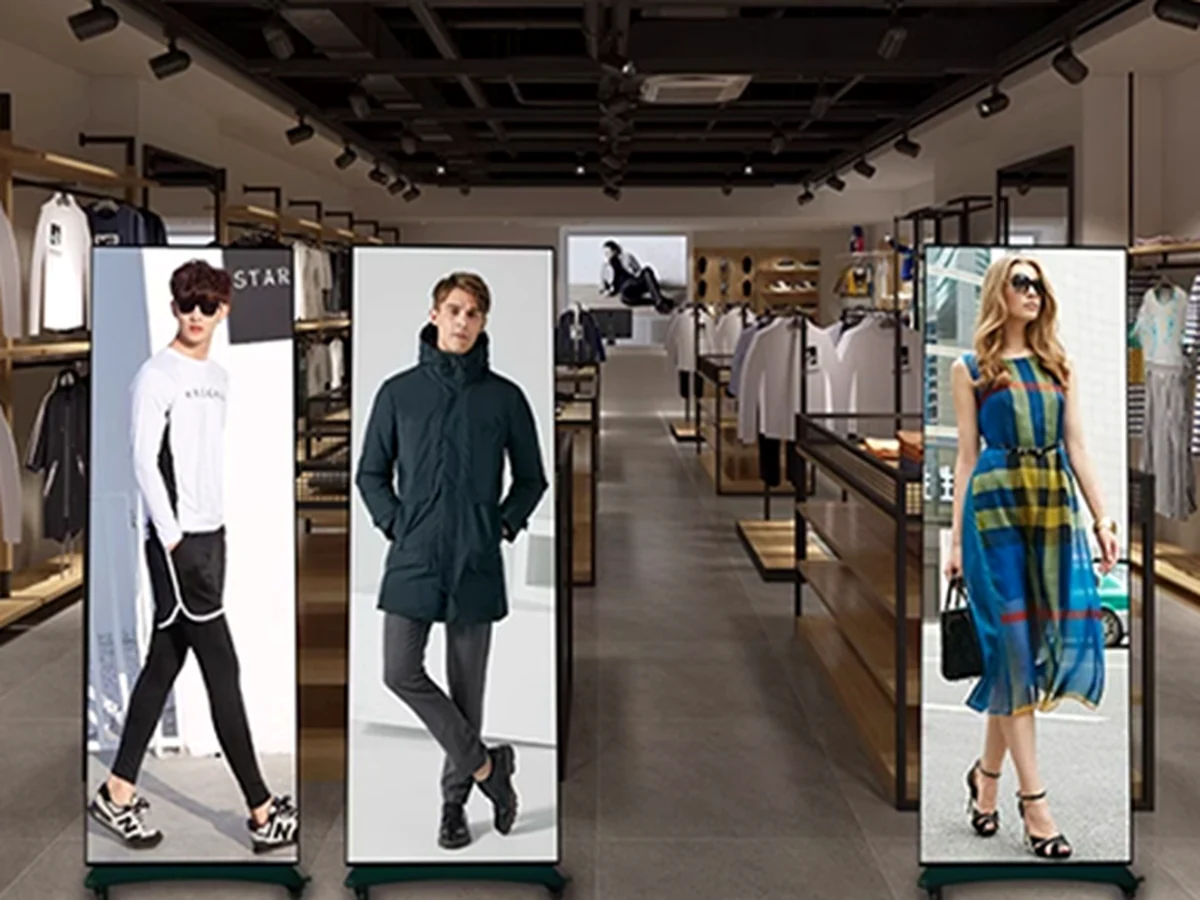
02LED Poster Reference
Retail product reference showing the portrait format that can be configured for check-in, security and passenger queue zones.
03Platforms & Waiting Areas
Station application showing high-visibility columns planned around circulation, sightlines and viewing distance.
 04
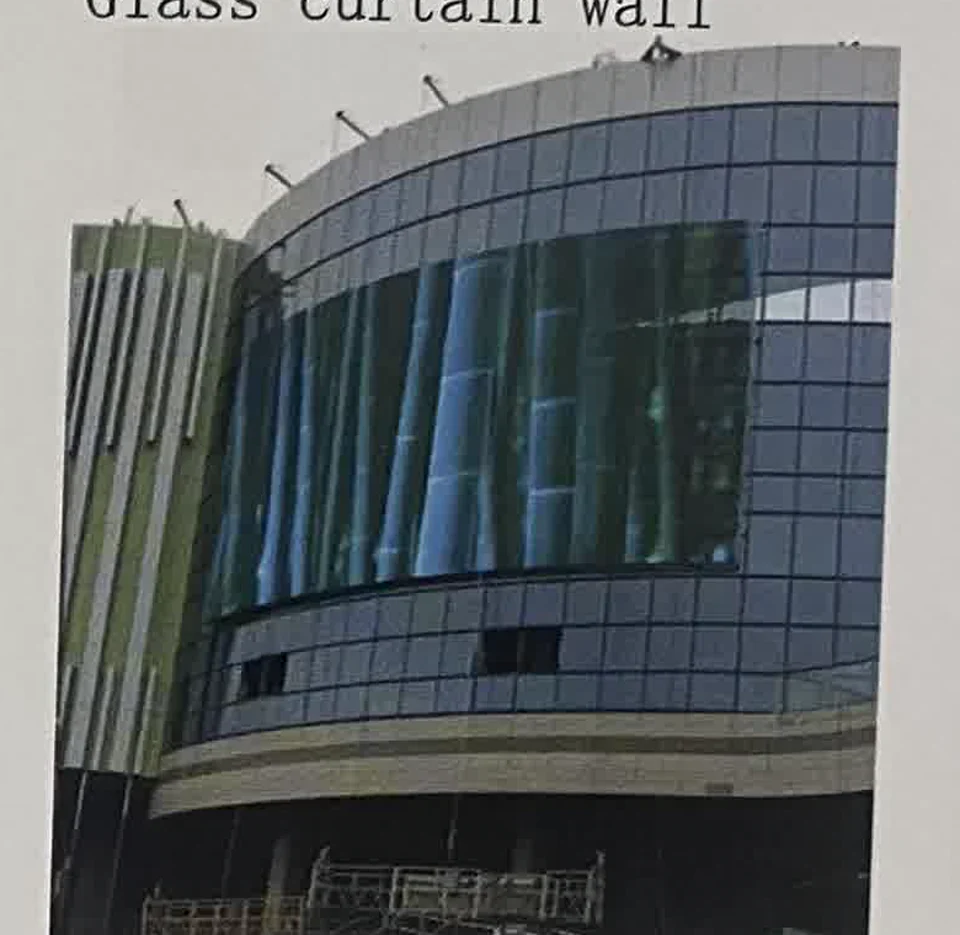
04Transparent Facade Reference
Commercial-facade reference for transparent media that may be configured around concourse glass and connecting spaces.
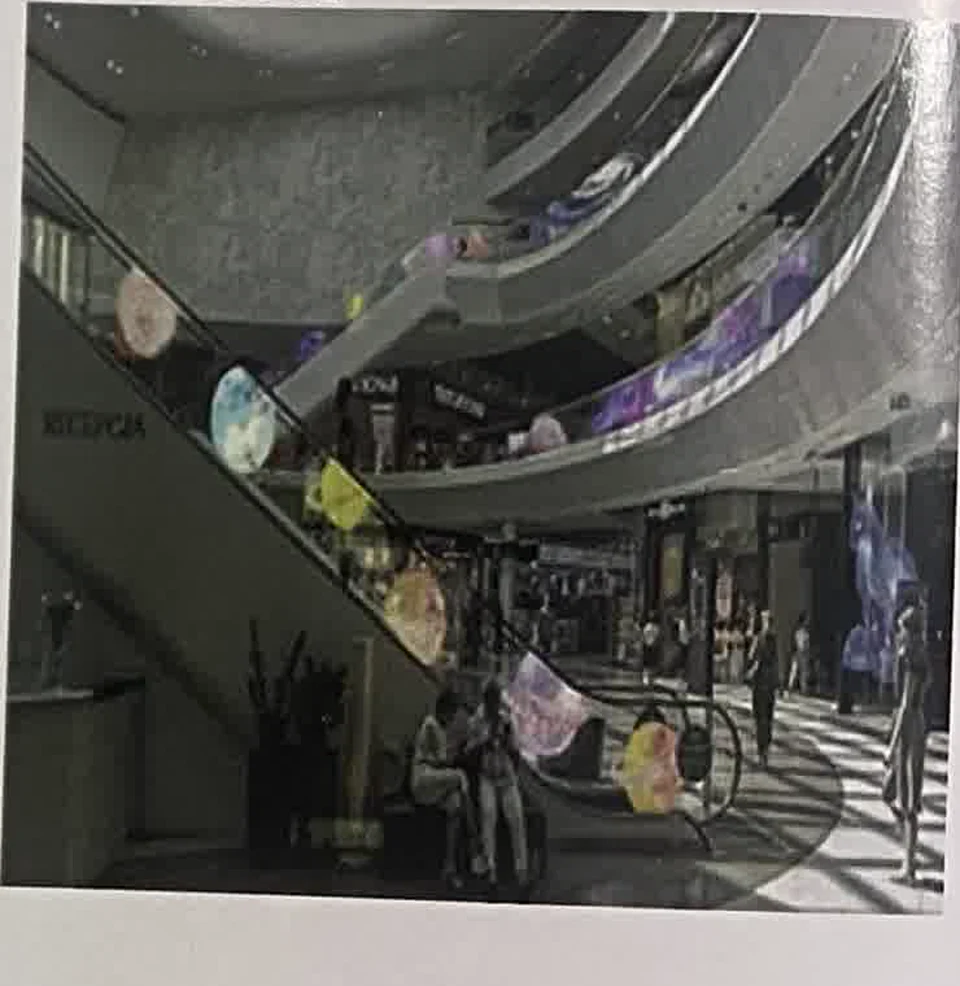 05
05LED Film Reference
Product-format reference for transparent film and slim media around escalators and vertical circulation.
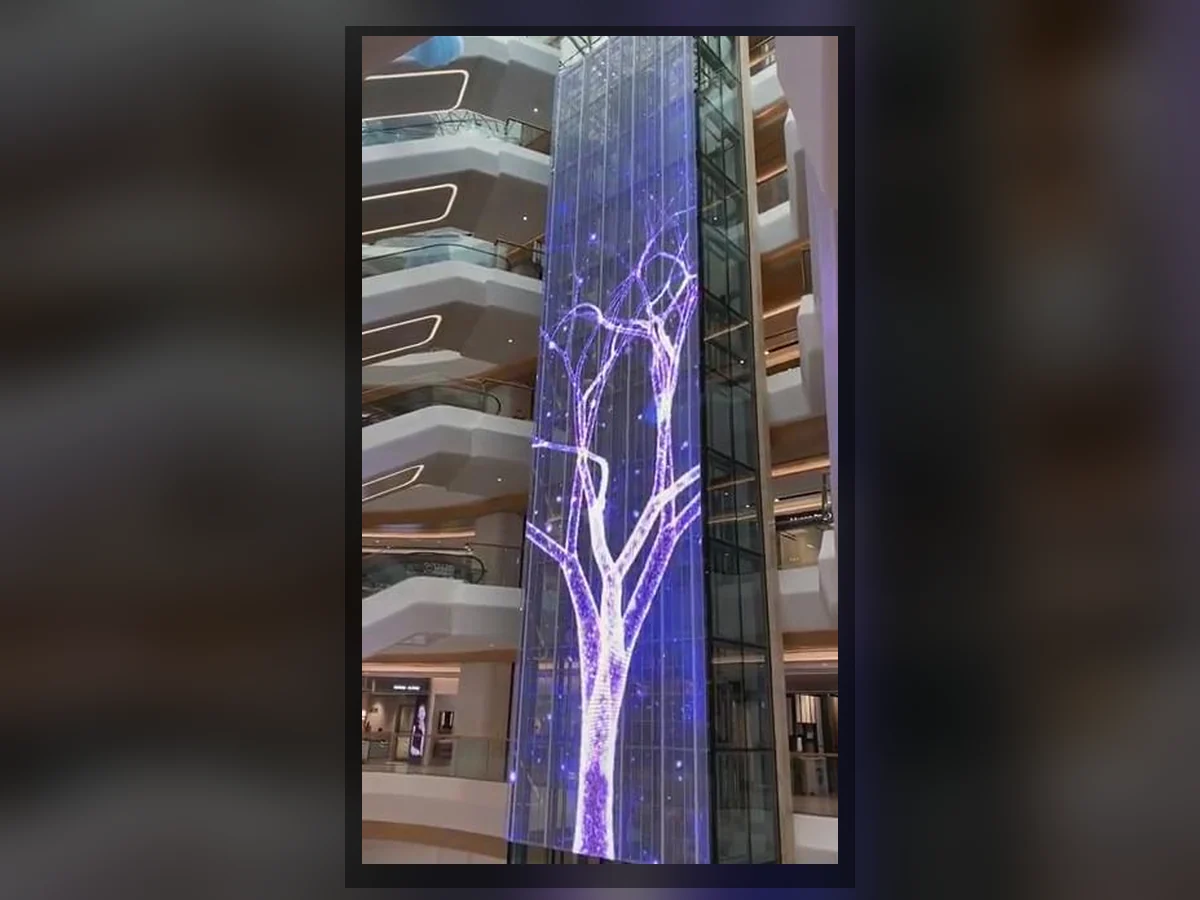 06
06Creative Column Reference
Commercial-atrium reference for custom media forms that may be engineered around transit columns and architectural landmarks.
SYSTEM FORMAT LIBRARY
Choose the Display Around the Zone
A transit project may combine permanent walls, freestanding screens, transparent media and custom architectural displays.
Indoor Fine-Pitch LED
Corporate-interior reference showing the fixed-wall format that can be configured for terminal information, service content and commercial media.
View Indoor LED Display →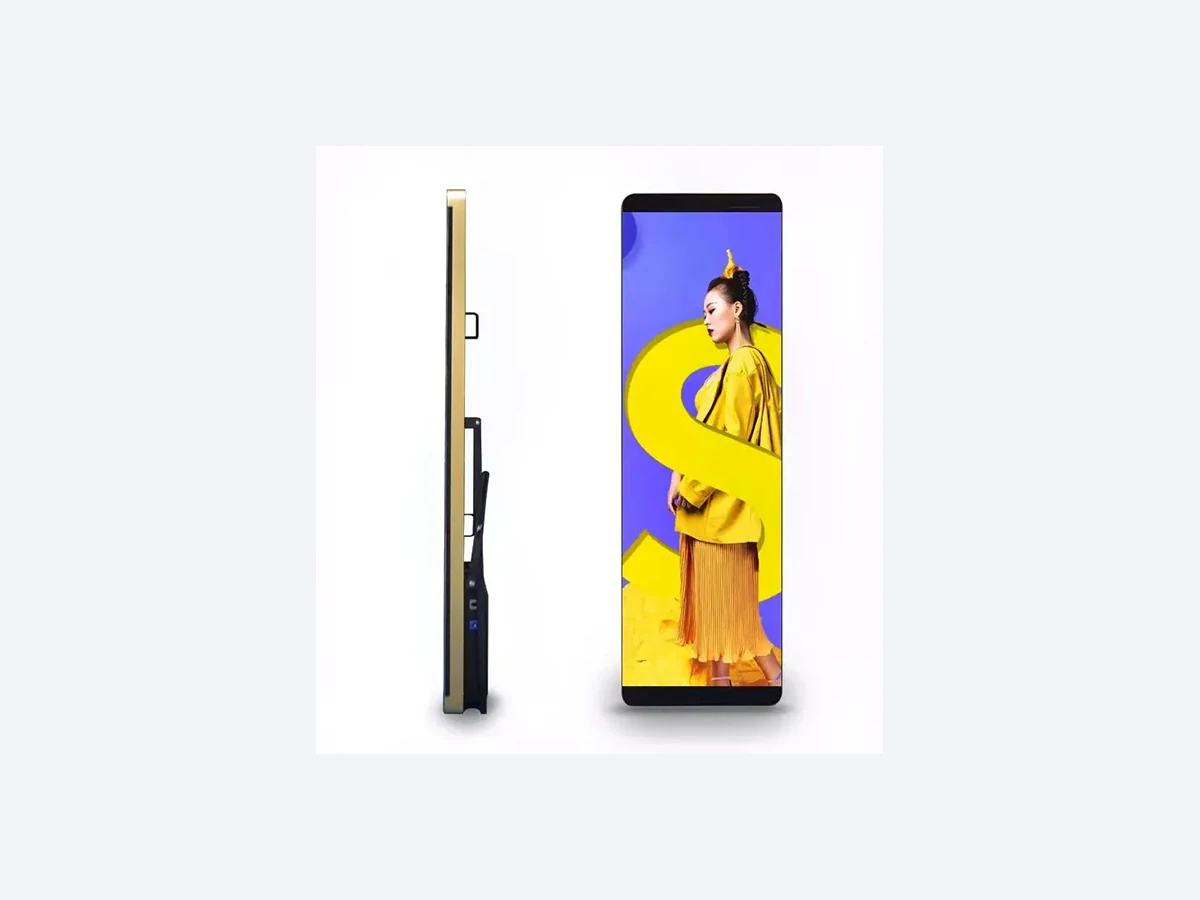
LED Poster Display
Product reference for portrait screens that may be placed at entrances, check-in areas, queues and retail zones.
View LED Poster Display →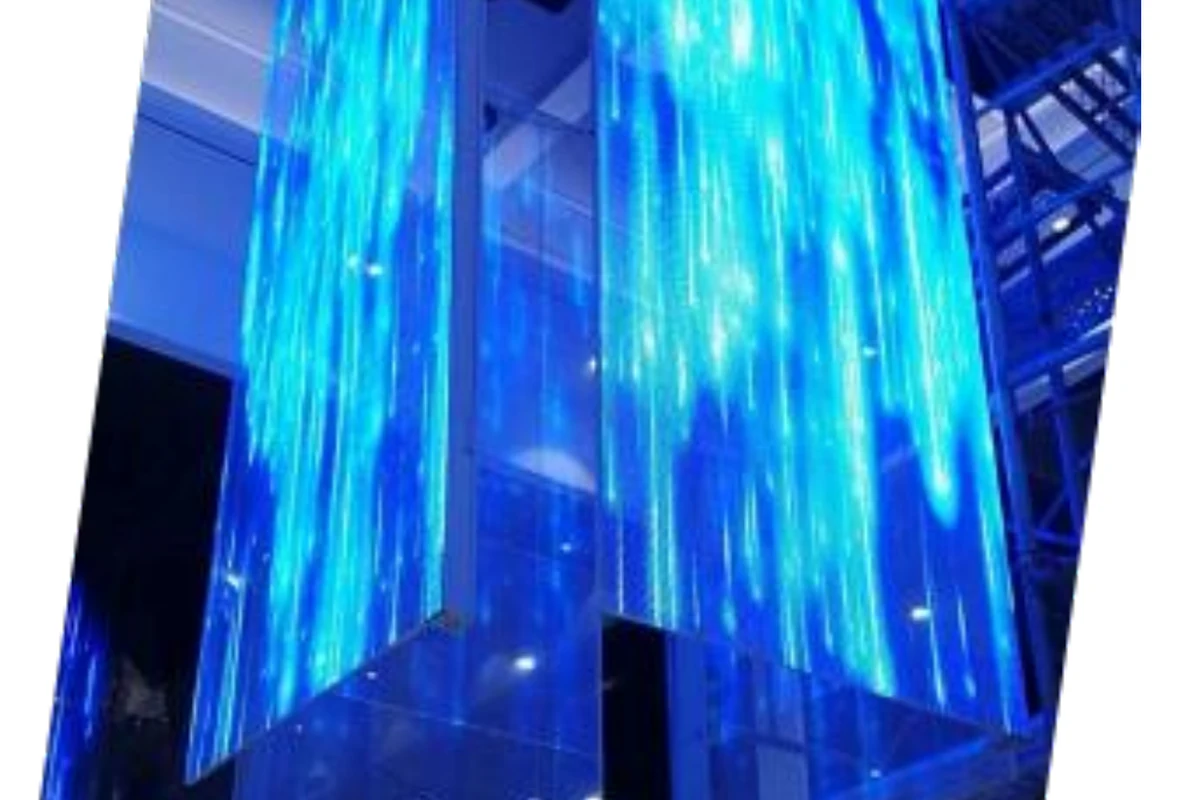
Transparent LED Display
Exhibition-interior reference showing a see-through format that can be reviewed for transit glass, escalators, atriums and commercial zones.
View Transparent LED Display →Creative LED Display
Columns, corners, curves and site-specific forms developed around the building geometry.
View Creative LED Display →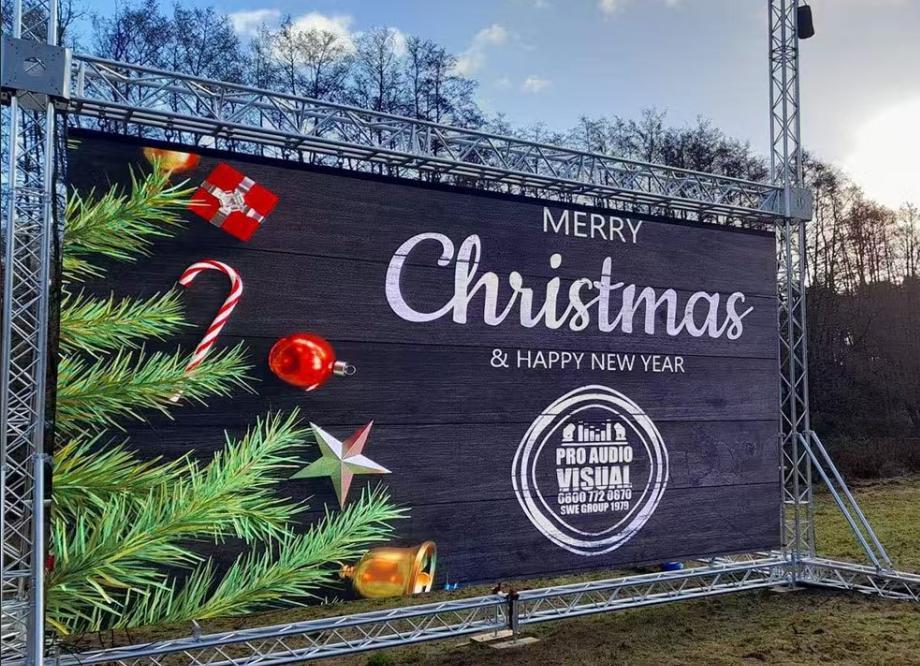
Outdoor LED Display
Outdoor-project reference for weather-protected systems that may be configured for terminal exteriors, forecourts and long-distance media.
View Outdoor LED Display →
Scrolling & Information LED
Retail-display reference showing a compact canvas that can be configured for transit notices, directions and operational information.
Browse LED Display Products →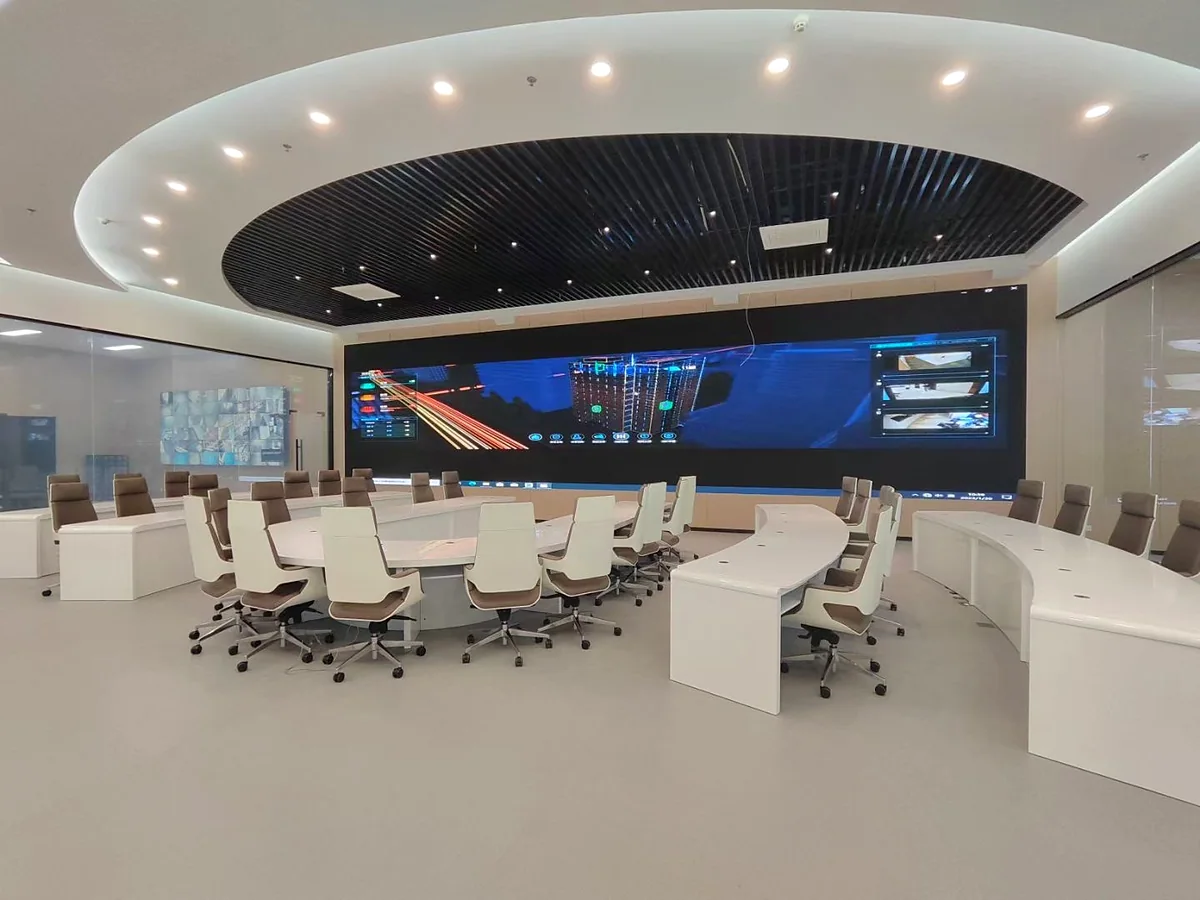
INFORMATION & COMMERCIAL CONTENT
Build a Screen System That Matches the Content Workflow
Passenger information, service messages and advertising may use different sources, update schedules and display zones. Confirm the workflow before the final pixel map and control system are approved.
- 01Readable contentMatch type size, detail and canvas to the closest viewing distance.
- 02Source planningDefine live, scheduled, networked and local content requirements.
- 03Zone managementCoordinate synchronized, independent or divided screen areas.
- 04Camera useReview refresh, scan and capture conditions for monitored spaces.
TRANSIT DISPLAY ENGINEERING
Six Decisions That Protect Readability and Serviceability
The approved product format must fit the building, the content and the practical maintenance path.
Viewing Distance
Pixel pitch and content detail selected around the closest passenger view.
Ambient Light
Brightness and contrast reviewed for daylight, interior lighting and glass.
Operating Schedule
Thermal planning and component access aligned with expected operating hours.
Service Direction
Front or rear maintenance planned around wall depth and restricted areas.
Structure & Load
Mounting points, cabinet depth, load path and installation sequence reviewed.
Power & Data
Distribution, cable routes, controller location and source switching coordinated.
FROM FLOOR PLAN TO RELEASE
A Four-Stage Transit Display Project Path
Keep the site, content, hardware and installation responsibilities connected from the first review.
Map the Zones
Share the floor plan, passenger routes, target surfaces and viewing distances.
Configure the System
Select display formats, pixel pitch, service direction, structure and control.
Confirm the Interfaces
Review power, data, content sources, mounting points and installation sequence.
Produce & Support
Manufacture, inspect, pack and document the approved project configuration.
BUYER FAQ
Airport & Station LED Display Questions
Use these answers to prepare the first technical and commercial review.
Which LED display is suitable for an airport or station?
The useful format depends on the zone. Fine-pitch fixed walls support close-viewing content, poster screens fit entrances and queues, transparent displays preserve sightlines, and creative columns can turn structural surfaces into media.
Can one system show passenger information and advertising?
The display layout can be planned with separate content zones or sources. Passenger-information integration, commercial playback and source switching should be confirmed with the control-system and content teams before production.
How is pixel pitch selected for a transit hub?
Share the closest viewing distance, screen dimensions, content detail and camera requirements. Pixel pitch is selected around readable content rather than the size of the room alone.
Can the display be maintained from the front?
Yes, front-service configurations can be reviewed where rear corridors are unavailable. Wall depth, module access, power and receiving hardware still need to be coordinated with the site.
Can screens be installed around columns, glass or escalators?
Yes. Column, transparent-film, grille and custom display formats can be reviewed around the actual geometry, structure, service path, daylight and content canvas.
What is needed for an airport or station LED display quotation?
Send the floor plan, target zones, display dimensions, viewing distances, indoor or outdoor conditions, mounting method, operating schedule, content sources, destination and project timeline.
START WITH THE TRANSIT HUB
Send the Floor Plan, Display Zones and Content Workflow
Include dimensions, viewing distances, indoor or exposed conditions, mounting method, service access, destination and project schedule.